
Scanverra inside your AI assistant
Connect Claude, ChatGPT or your coding agent to Scanverra over MCP. Ask it to audit a page, scan a site's security or review your MCP setup, and it runs the real Scanverra scans, reads the results and helps you fix what it finds.
- Claude
- ChatGPT
- Claude Code
- Cursor
- VS Code
- Codex
- Windsurf
What your assistant can do
29 tools, each with structured input and output, so answers come from real scan data.
Audit any page
Performance on desktop and mobile, Core Web Vitals, accessibility, best practices and AI agent readiness, with the issues ranked.
Scan security
Headers, TLS, cookies, exposed files, client-side secrets and vulnerable libraries, plus quick header and certificate checks.
Improve SEO and AI search
On-page SEO with keyword and competitor checks, llms.txt and which AI crawlers can read your site.
Review your code
Scan a connected GitHub, GitLab or Bitbucket repository for secrets, code security, vulnerable dependencies and quality.
Secure your MCP setup
Review MCP and agent config files, and probe remote MCP servers you run for weak auth, poisoned tool descriptions and risky tools.
Plan and verify fixes
Explain any finding, get an ordered fix plan and a ready-made fix prompt, then re-scan and compare to prove it's fixed.
How it works
Connect once, then just ask.
Connect
Add Scanverra as a connector in Claude or ChatGPT and approve it, or give your coding agent an API key.
Ask
"Audit our pricing page and tell me what slows it down" or "Check our MCP config for leaked keys".
Scanverra scans
The assistant starts the same scans you'd run from the website. They run in the background and land in your scan history.
Fix and verify
It reads the structured report, plans the fixes, and re-scans to confirm them.
You stay in control
Approve each assistant, see exactly what it can do
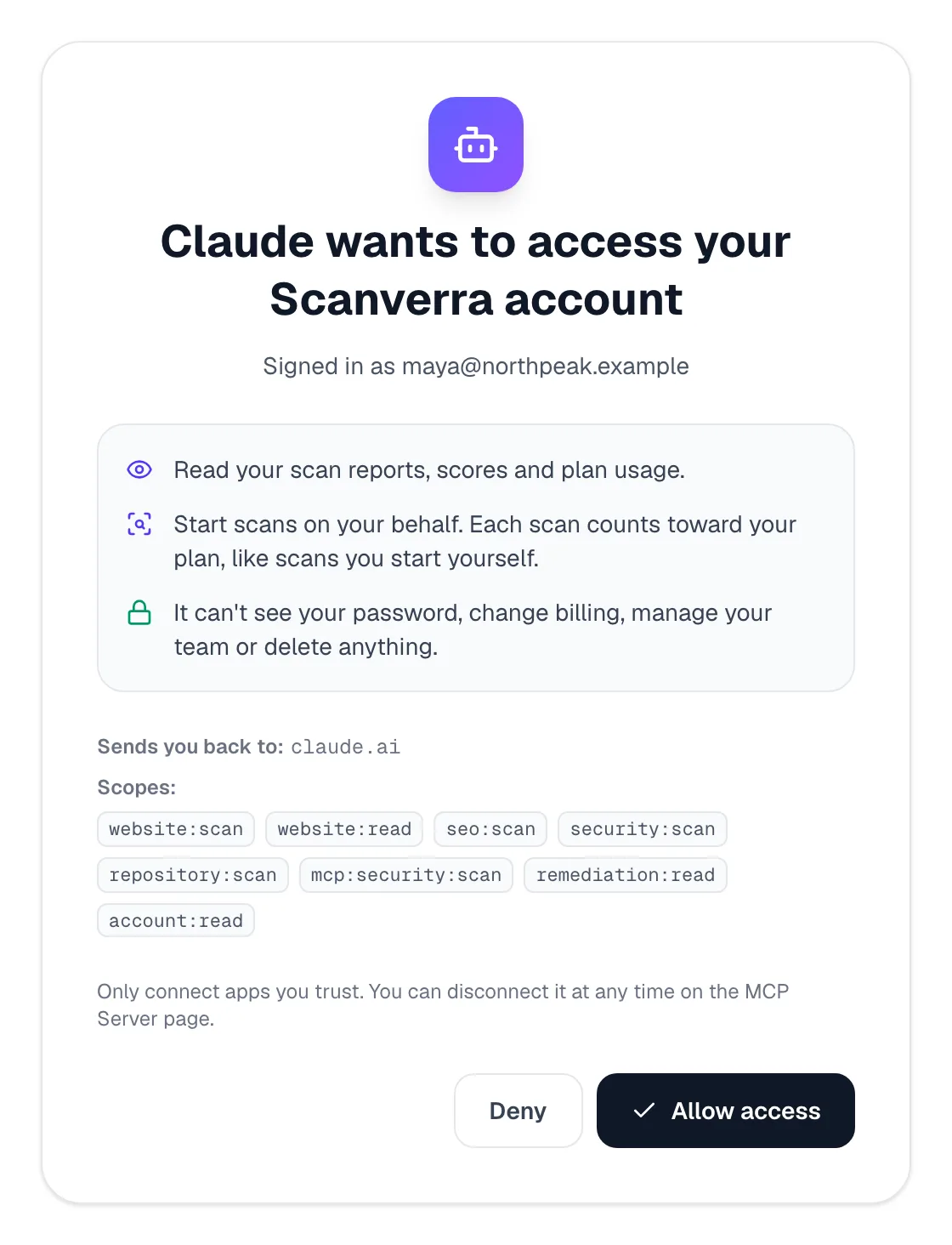
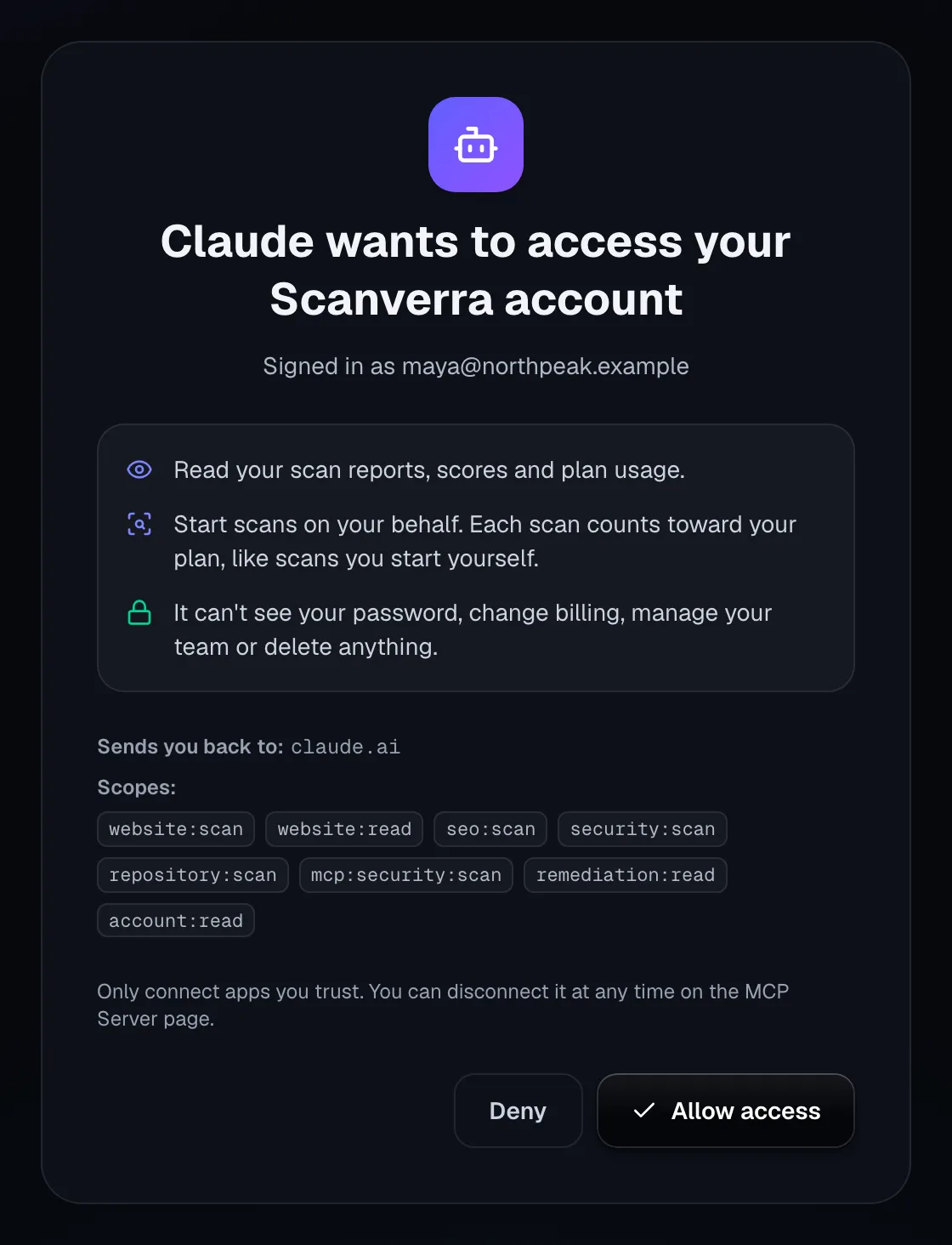
Assistants connect with OAuth: you sign in to Scanverra and approve them on this screen. Nothing happens without that approval.
Scoped access
Grant read-only access, or let an assistant start scans too. Read-only keys never start a scan.
Disconnect any time
Each connected app is listed on the MCP Server page. Disconnecting stops it at once.
One plan, counted once
Scans an assistant starts count toward your plan exactly like scans you start yourself, never twice.
Safe by design
No tool deletes anything, runs commands or reaches other people. Private and local addresses are refused.
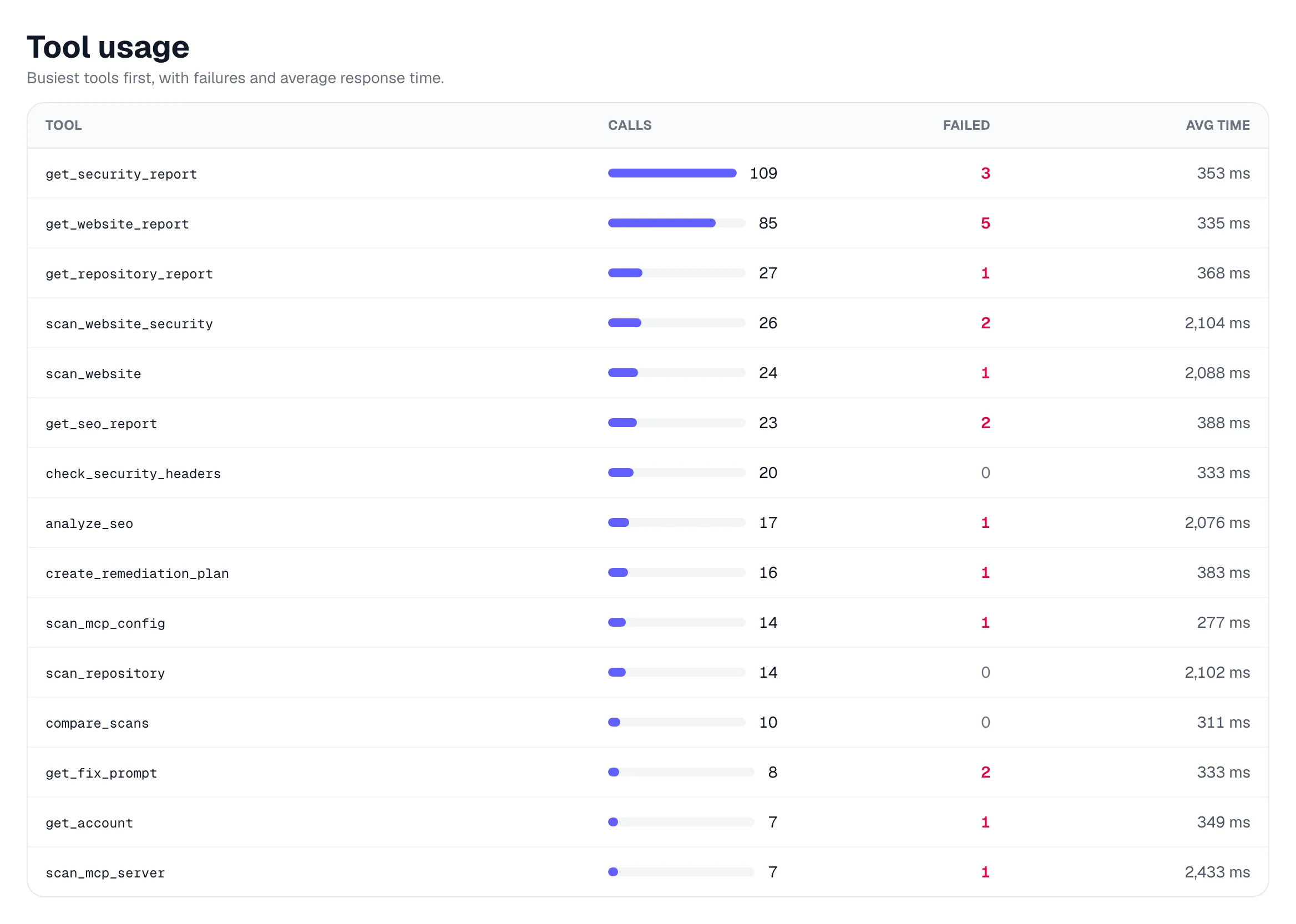
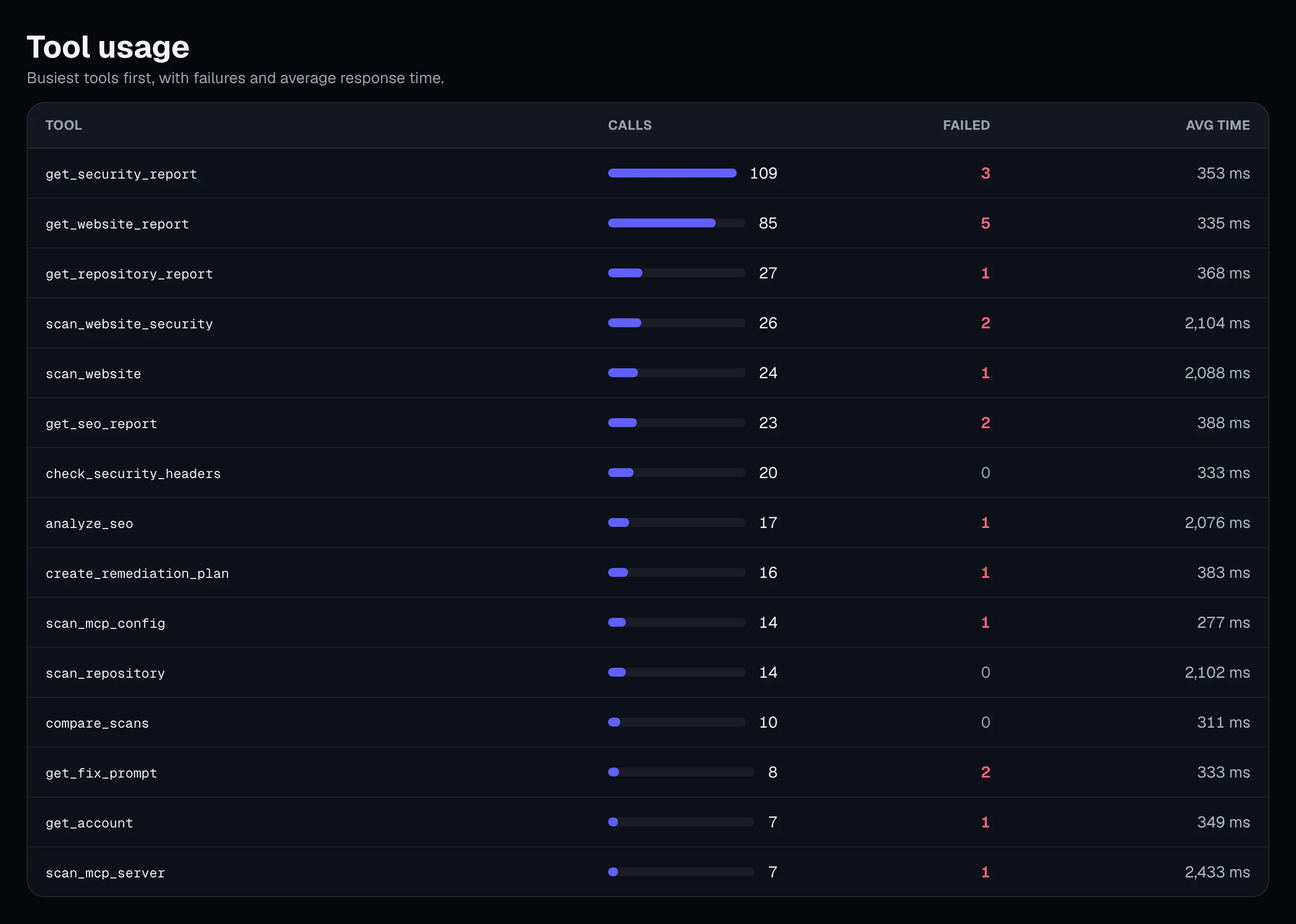
Full visibility
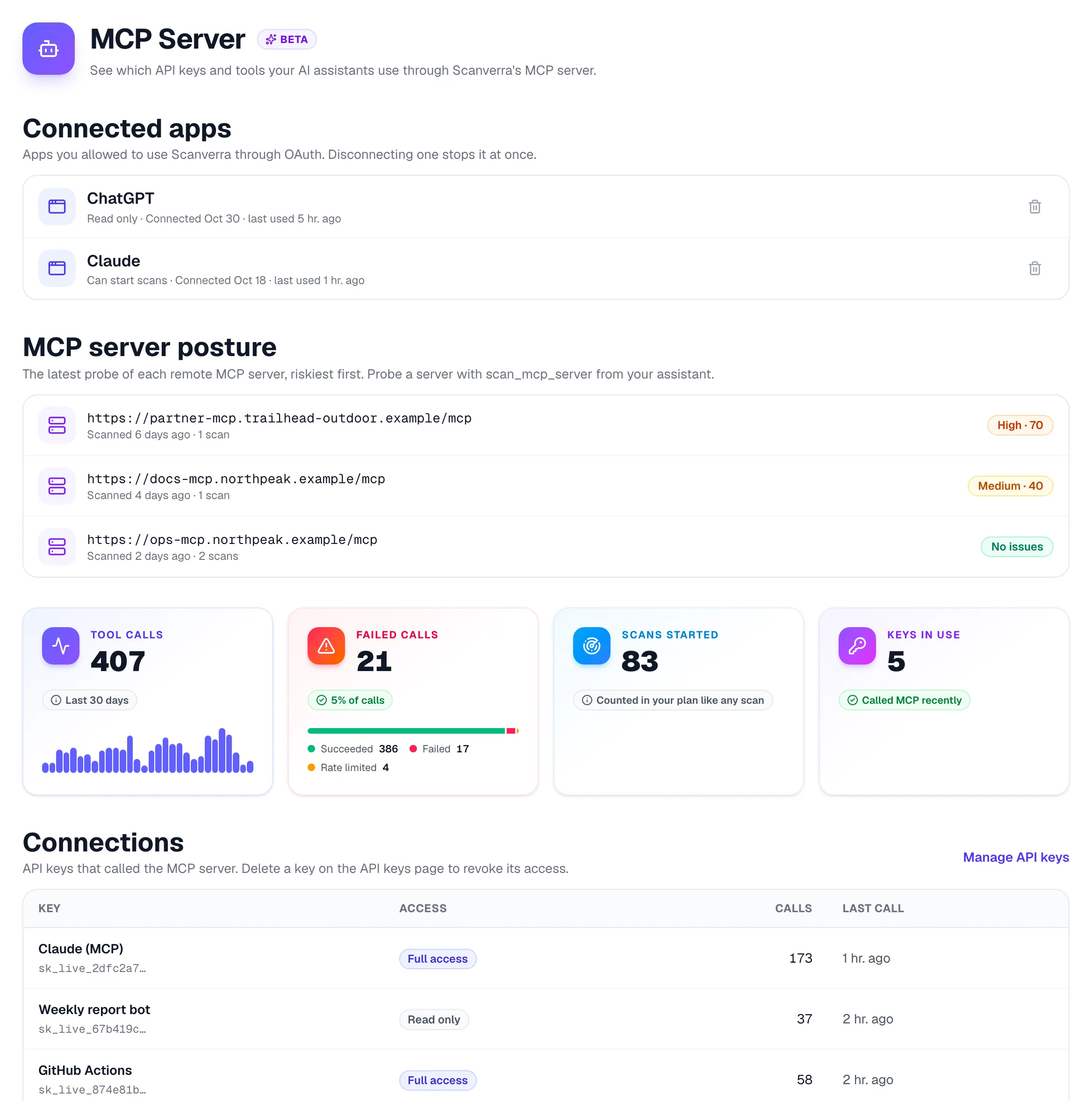
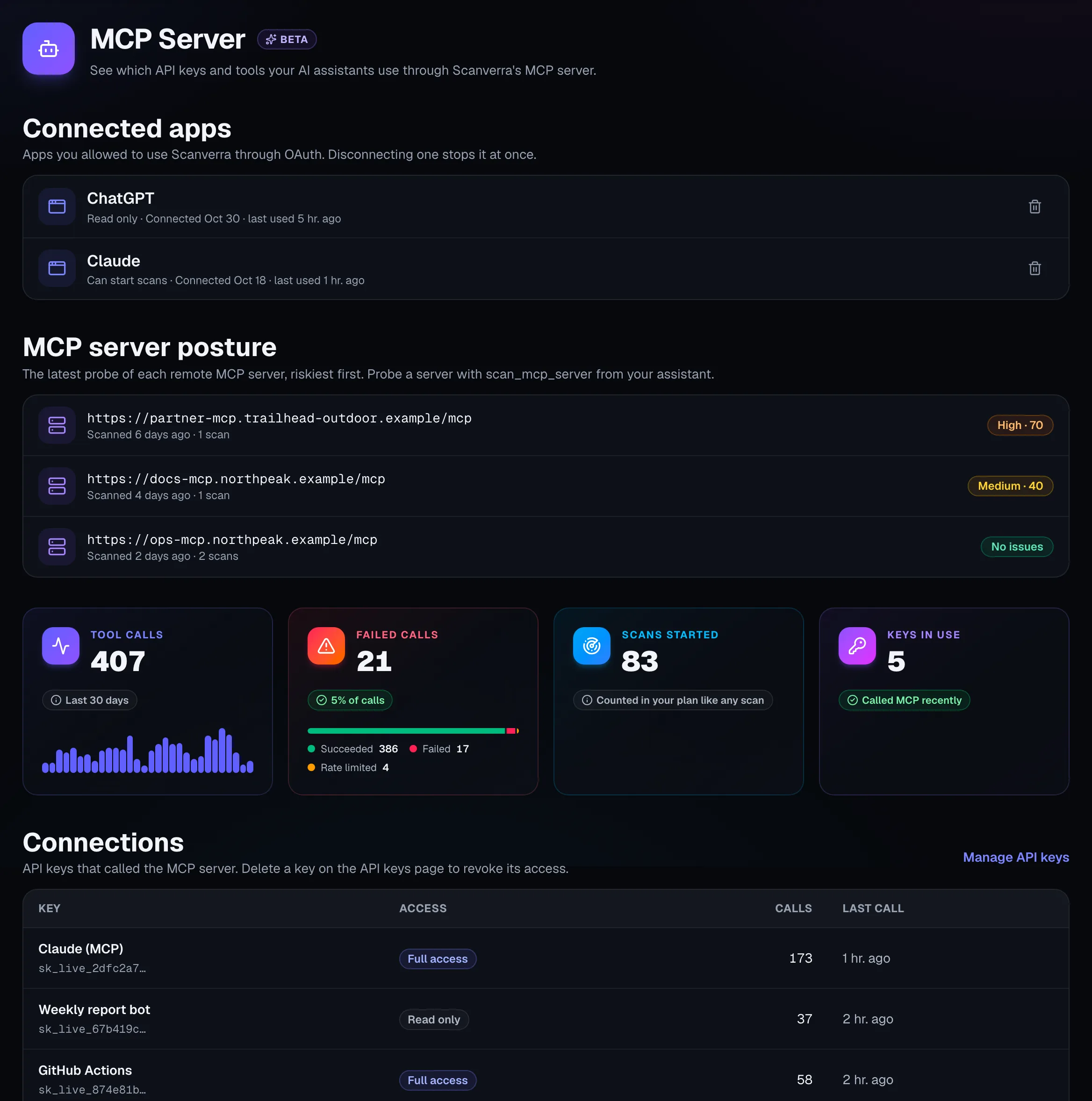
See every call your assistants make
- Calls, failures and response time for every tool
- Which key or app made each call, and when
- Scans started from your assistants, in your normal scan history
- Rate limits per key stop a runaway agent loop
Security for your own MCP servers
The same tools that let your assistant use Scanverra also check the MCP servers and agent setups you run.
- Hardcoded credentials, plain-HTTP servers and unpinned or known-vulnerable packages in MCP configs
- Live probe of a remote MCP server: authentication, OAuth discovery, PKCE and Origin checks
- Tool descriptions checked for hidden instructions and invisible characters
- Posture history, so you can see a server get safer
Connect in a minute
In Claude, Claude Desktop or ChatGPT, add a custom connector with this address and approve it:
https://www.scanverra.com/api/mcp
For Claude Code, Cursor, VS Code, Codex or Windsurf, use an API key:
claude mcp add --transport http scanverra https://www.scanverra.com/api/mcp \
  --header "Authorization: Bearer $SCANVERRA_API_KEY"
Setup guide for every client
Related reading
MCP setup guide
Endpoint, client configs, tools and troubleshooting.
Scanverra CLI
Scan code locally and in CI.
MCP security scanner
MCP config and server risks, with fixes.
Security Scanner
Headers, secrets, SSL & CSRF risk
Repo Scanner
Code quality & dependency health
Website Audit
Performance, SEO & accessibility
Give your assistant Scanverra
Connect it once and ask for audits, security scans and fixes in plain language.