Skip to content
SEO Optimizer is live, Audit on page SEO and AI-search readiness. Try it free
Scanverra Enterprise

Every site and repository you own, in one view your security team can trust

Enterprise adds a portfolio, a compliance pack, remediation with due dates and the sign-in, access and audit controls procurement asks for, on top of all six Scanverra tools.

  • SAML SSO and SCIM
  • 12-month audit log
  • OWASP, PCI DSS, WCAG, SOC 2, GDPR
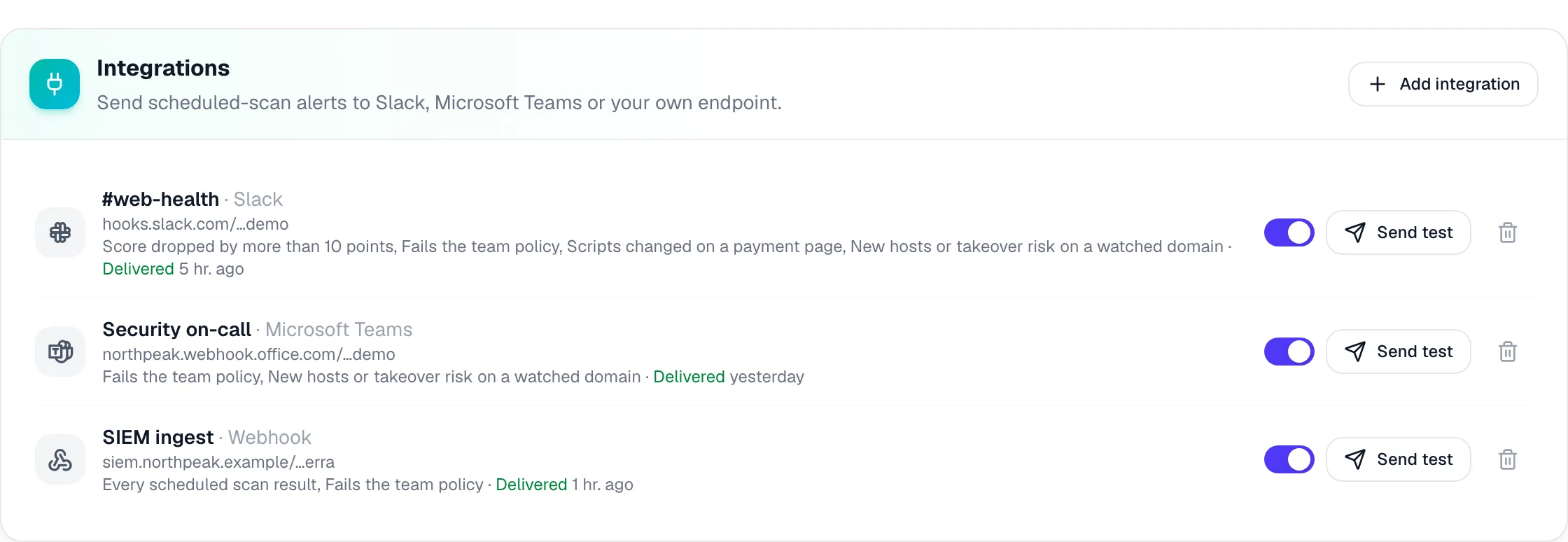
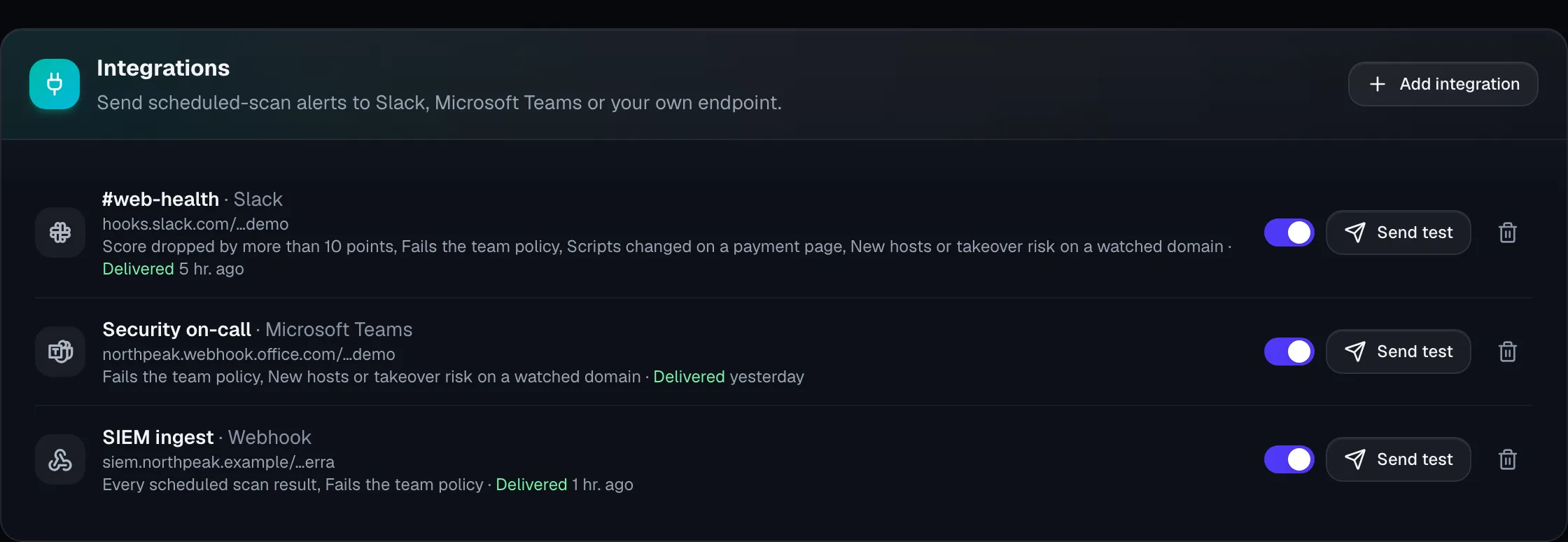
  • Slack, Teams and webhooks
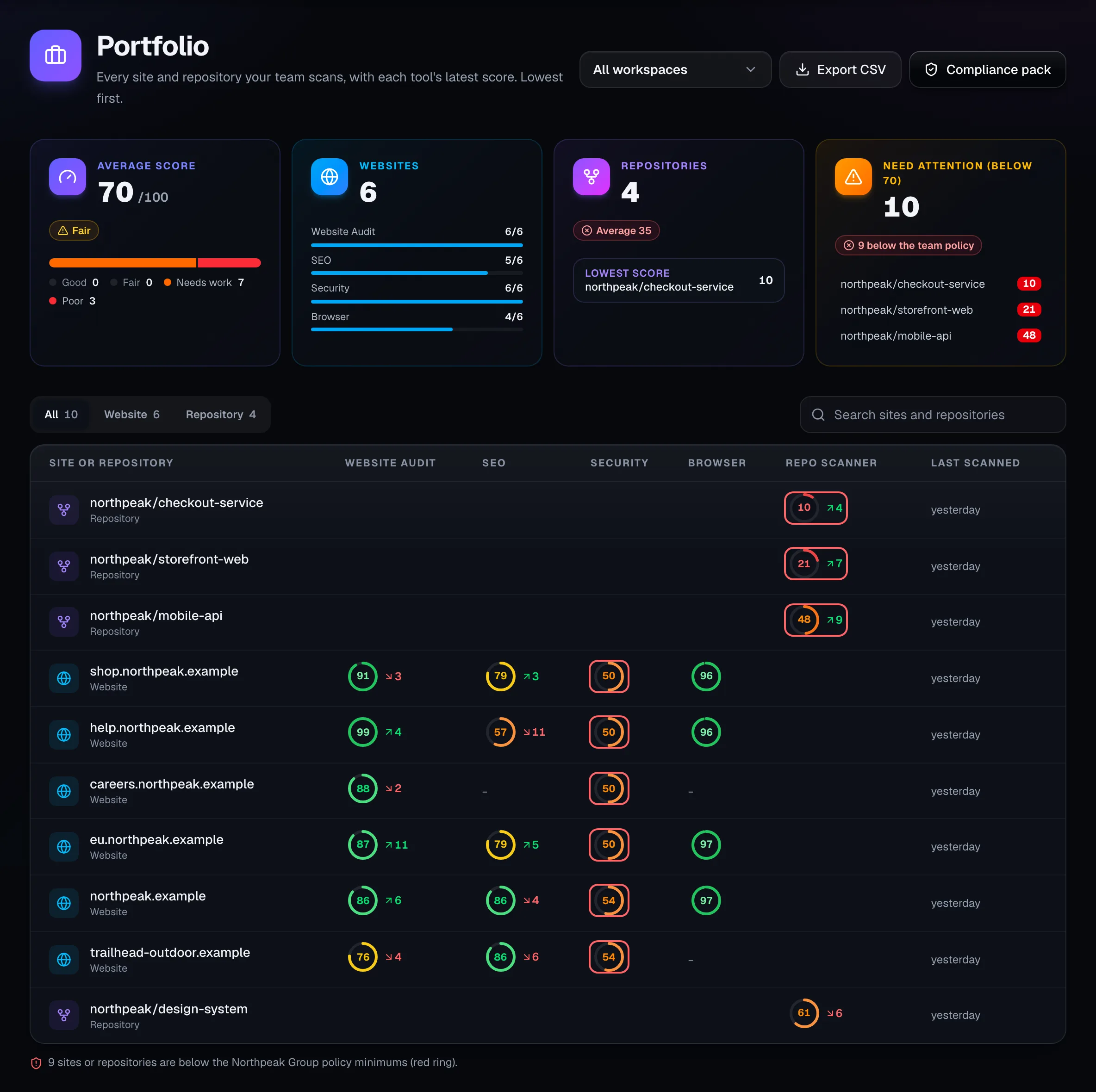
The portfolio: average score, websites, repositories and targets needing attention, then every site and repository with its score per tool.

Screens on this page show a demo company with made-up data.

tools in one portfolio
6
compliance frameworks mapped
7
of audit log
12 months
pages per site-wide crawl
100

01 · See everything

See every site and repository at once

One view of everything your teams run, and a weekly summary for the people who need the headline.

Team and Enterprise

One portfolio of every site and repository

Every target your team scans, with the latest score from each tool and the change since the last scan, worst first. Filter it by workspace, export it, or open the report behind any number.

  • Website Audit, SEO, Security, Browser Audit and Repo Scanner scores side by side
  • A red ring on anything below your team's policy
  • Code and live site: vulnerable dependencies that are actually deployed
  • AI in your code: providers, models and MCP servers across every repository
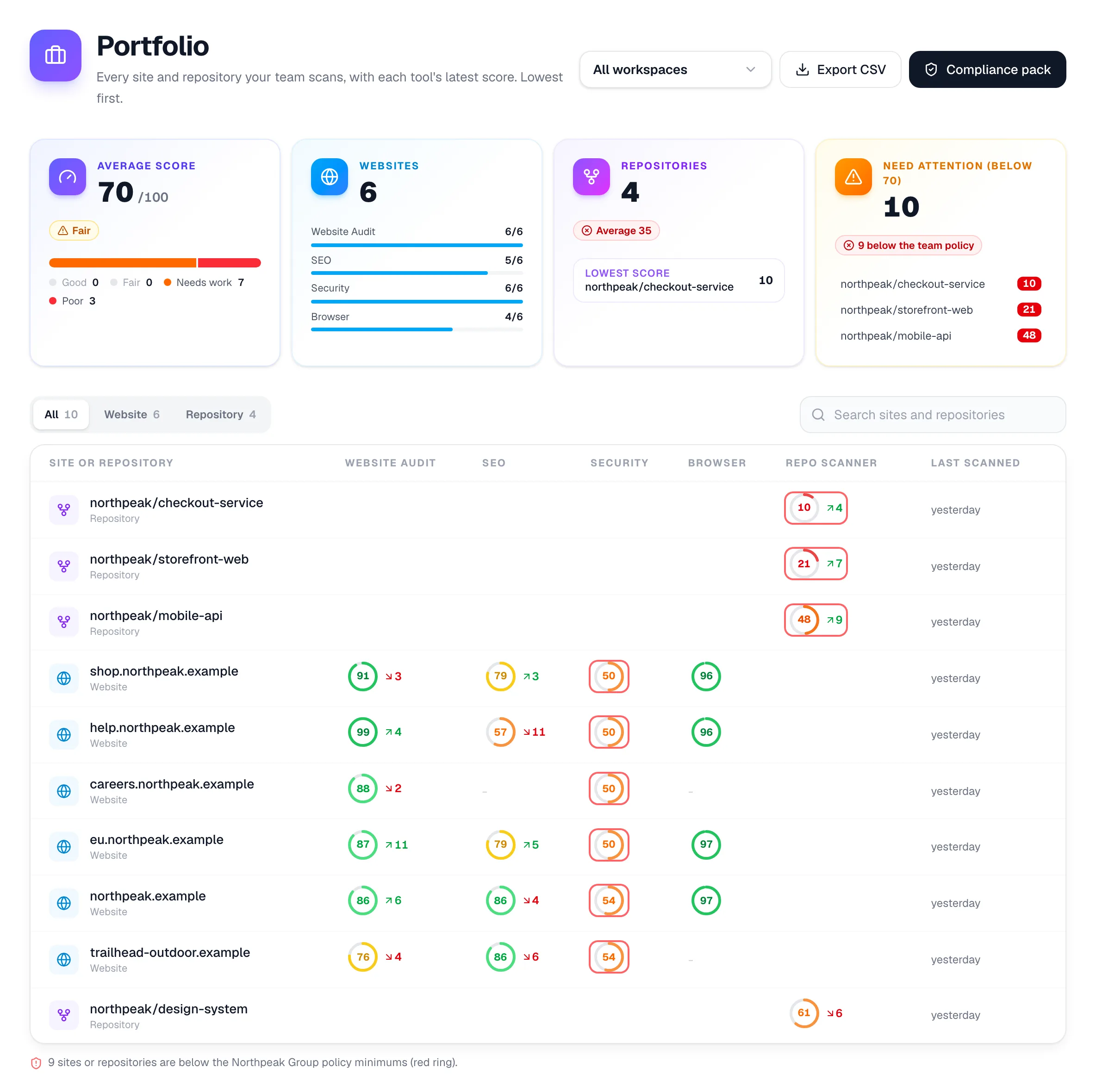
The portfolio: average score, websites, repositories and targets needing attention, then every site and repository with its score per tool.
Enterprise

A weekly summary for leadership

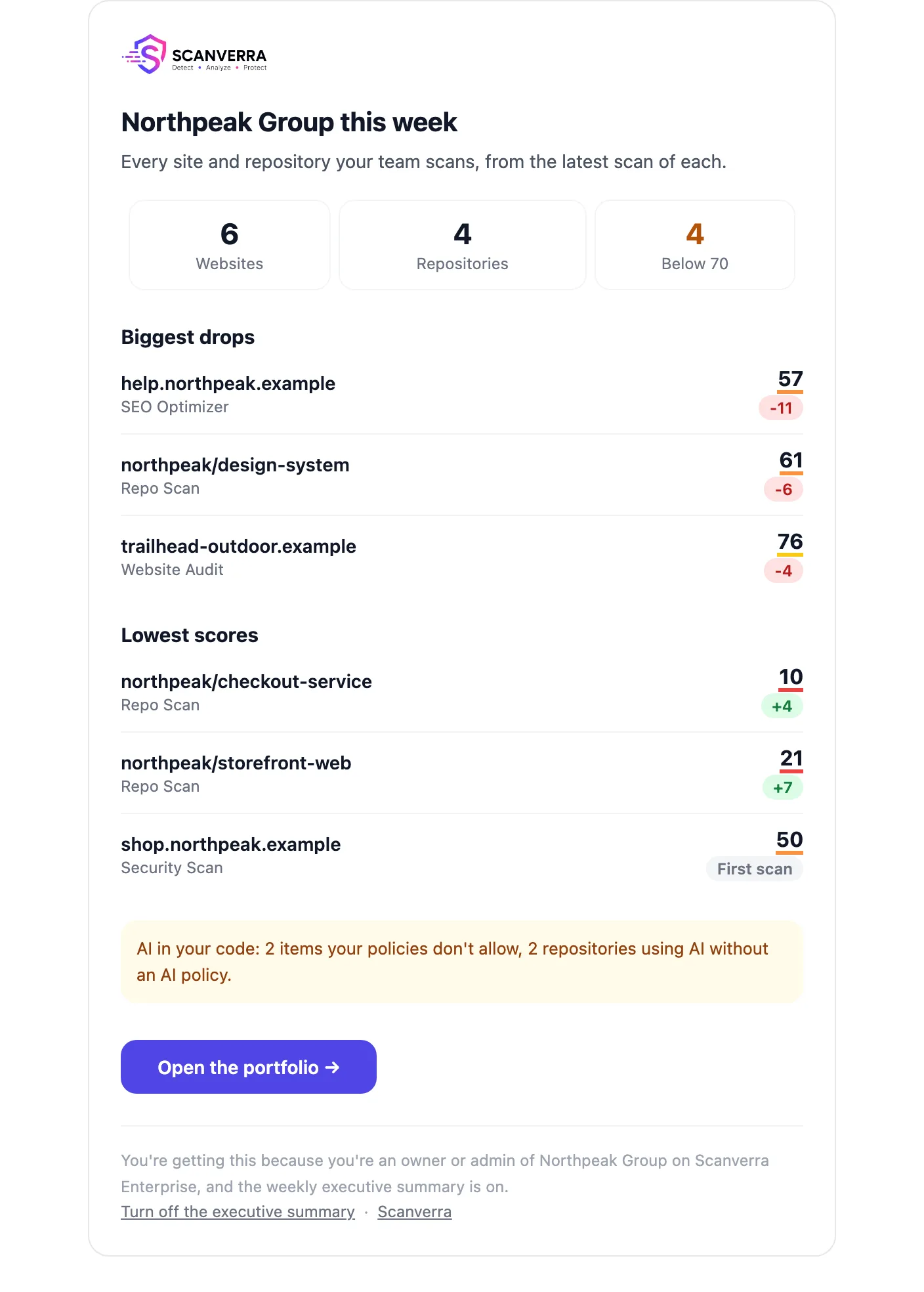
Every Monday, owners and admins get one email with the lowest scores, the biggest drops and the repositories using AI without a policy. Each person can unsubscribe on their own.

  • Lowest scores and biggest drops across the whole portfolio
  • AI-policy gaps from the latest repository scans
  • One link back to the portfolio for the detail
The weekly executive summary email: websites, repositories, targets below 70, biggest drops and lowest scores.

02 · Prove compliance

Evidence your auditor can work with

Framework-by-framework results from your real scans, and the checkout monitoring PCI DSS 4.0 asks for.

Enterprise

A compliance pack built from your real scans

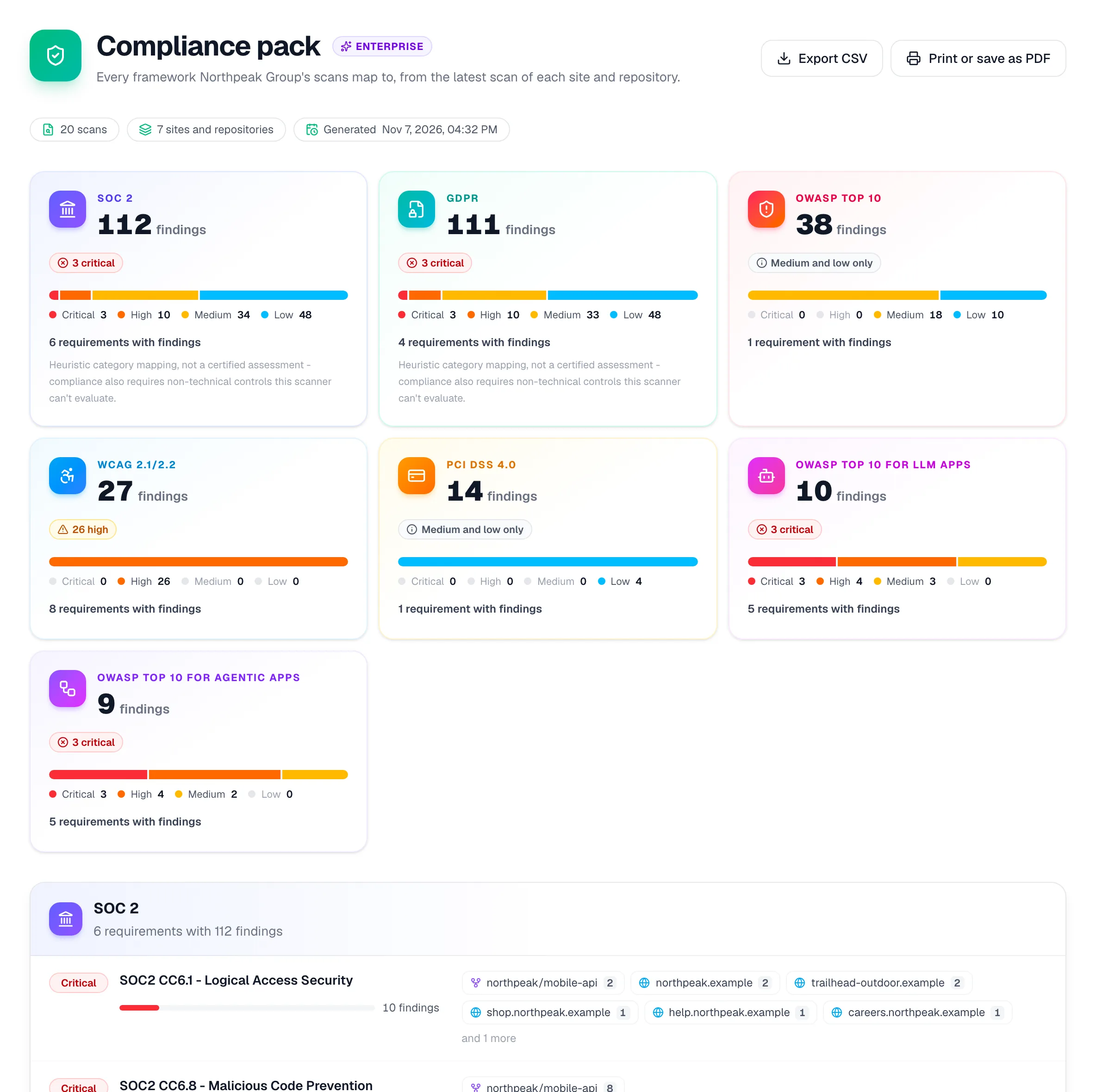
OWASP Top 10, PCI DSS 4.0, WCAG 2.1 and 2.2, SOC 2, GDPR and the OWASP lists for LLM and agentic apps, requirement by requirement, with the sites and repositories affected. It's evidence to work from, not a certification.

  • Every requirement with its findings, severity and affected targets
  • Export to CSV, or save it as a PDF for the audit file
  • SBOM downloads in CycloneDX 1.5 and SPDX 2.3
  • Filter by workspace to give each business unit its own pack
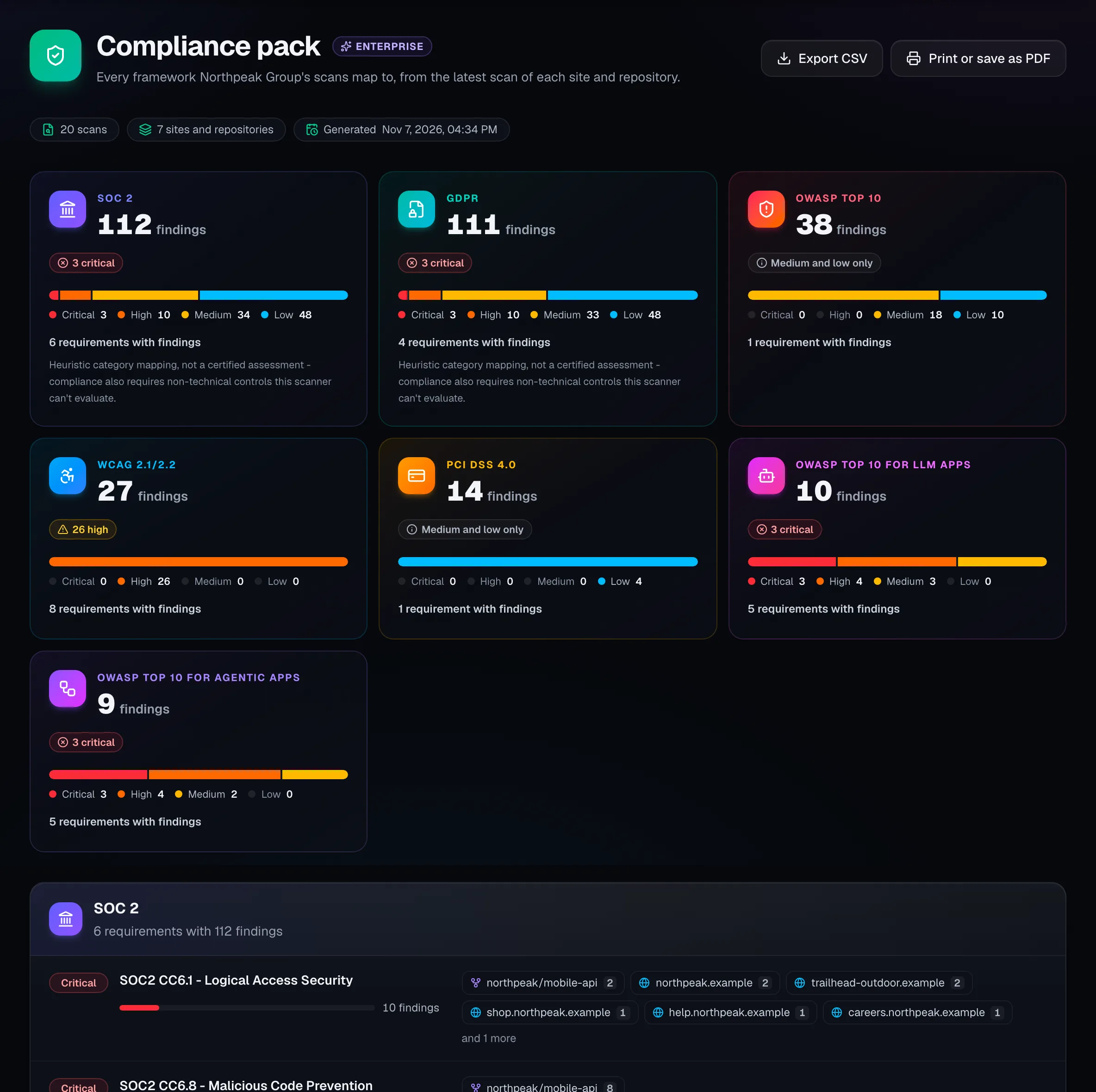
The compliance pack: findings per framework with severity bars, then each requirement with the sites and repositories it affects.
Enterprise

PCI DSS 4.0 script monitoring for checkout pages

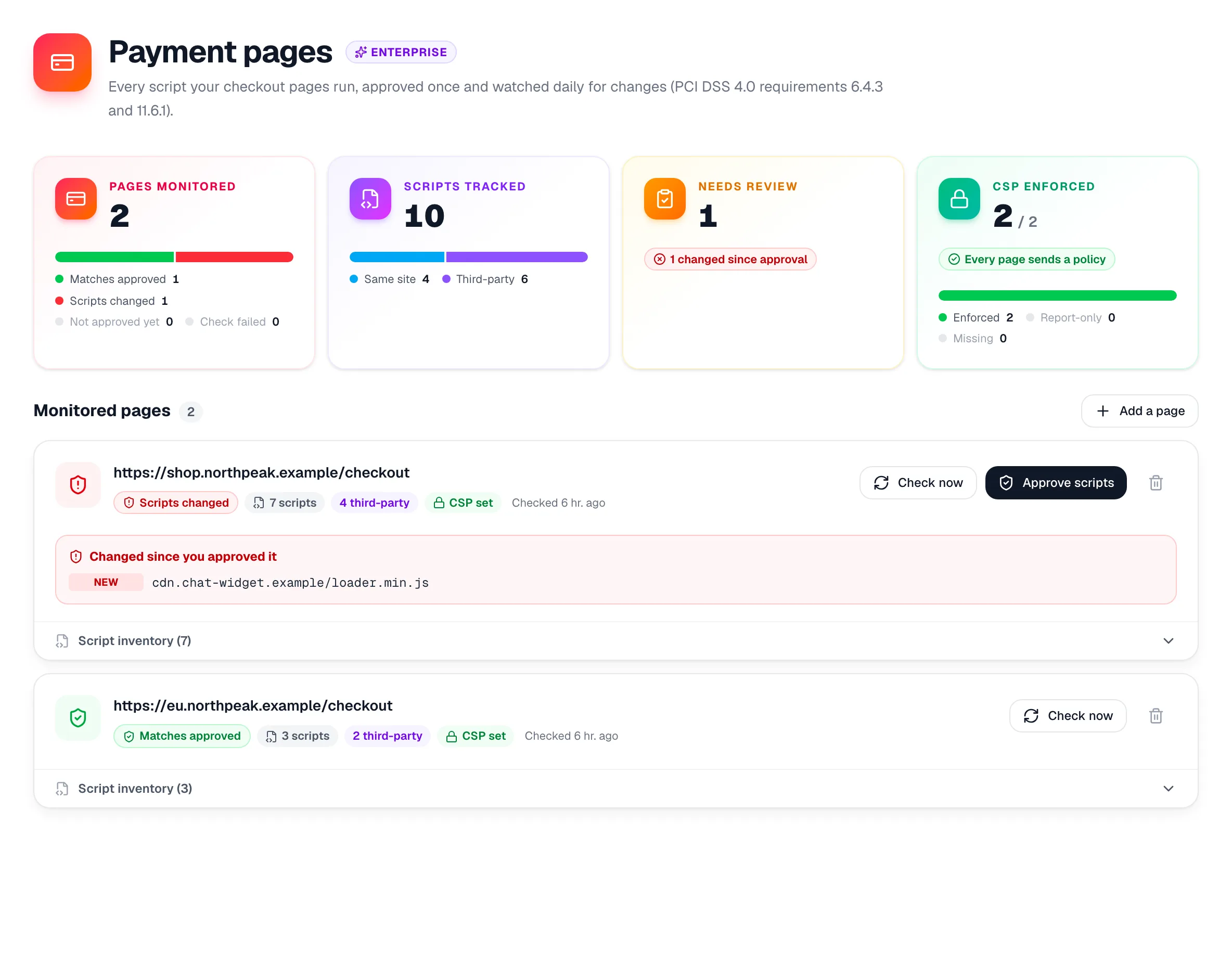
Every script your payment pages run is recorded in a real browser, with its SHA-256 hash and your Content-Security-Policy. Approve the list once, and any new or changed script is flagged the next day.

  • Built for requirements 6.4.3 and 11.6.1
  • Third-party and inline scripts, each with its hash
  • Checkout pages behind sign-in, with a saved login
  • Alerts by email, Slack, Microsoft Teams or your webhook
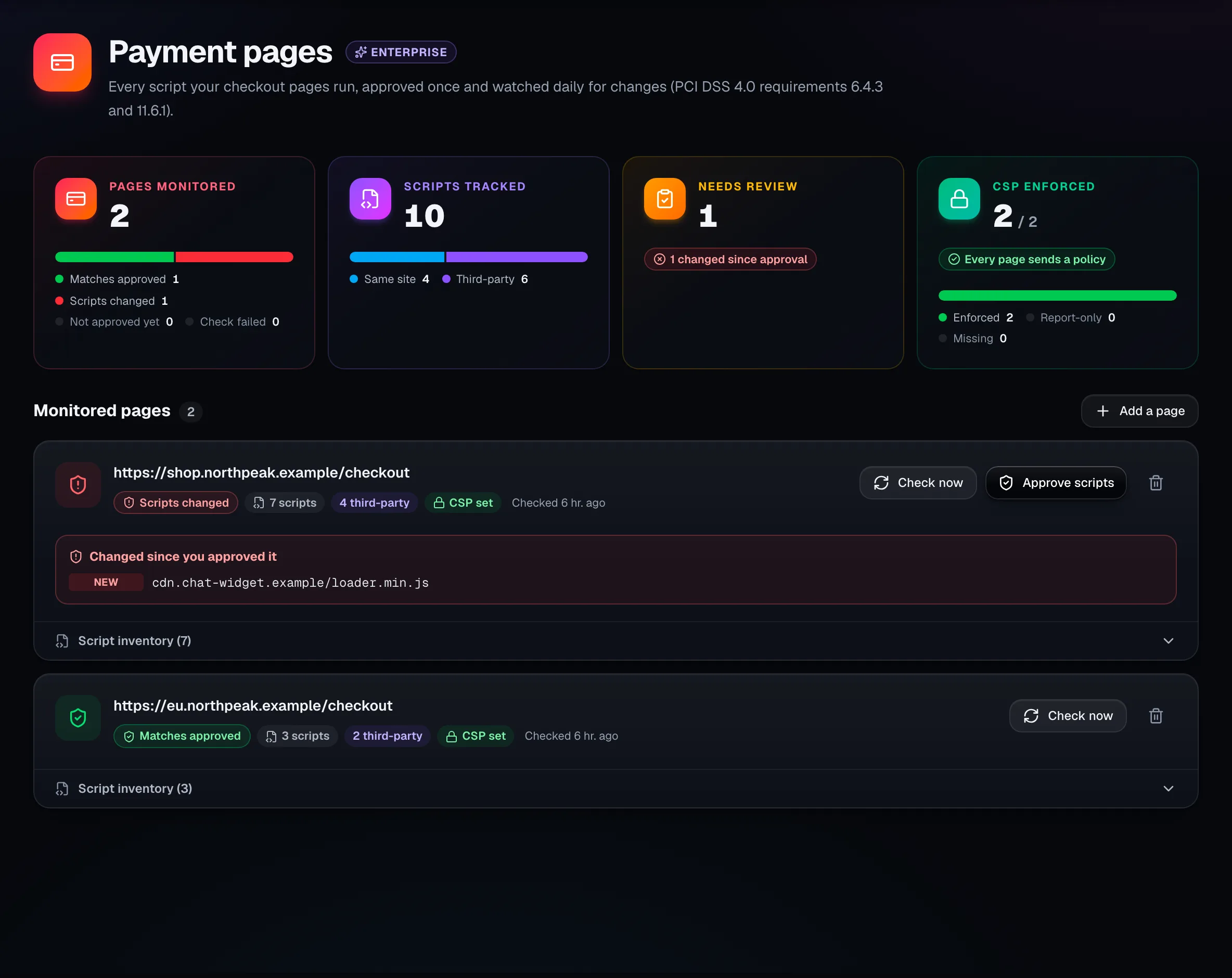
Payment pages: two monitored checkout pages, one flagged because a new third-party script appeared since it was approved.

03 · Fix faster

From finding to fixed, with an owner

Every finding gets a person and a due date, and one policy decides what's good enough to ship.

Team and Enterprise

Findings become tasks with owners and due dates

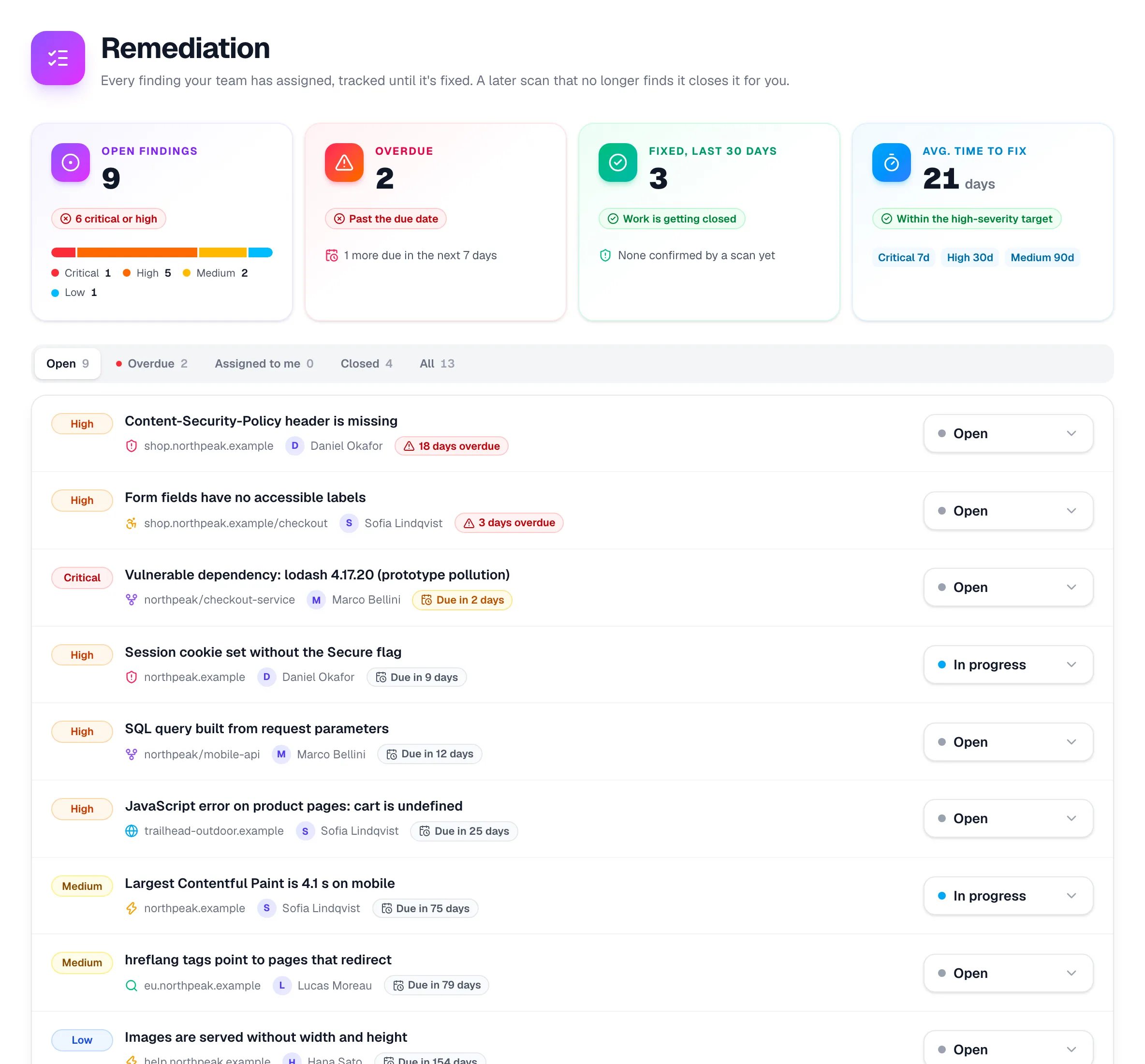
Assign any finding from any tool to a teammate. The due date follows its severity, the assignee gets an email, and a later scan that no longer finds the issue closes the task for you.

  • Due dates by severity: critical 7 days, high 30, medium 90, low 180
  • Open, overdue, fixed and time-to-fix at a glance
  • Each task opens the exact finding in its report
  • Closed only when a scan confirms it, for the checks that scan ran
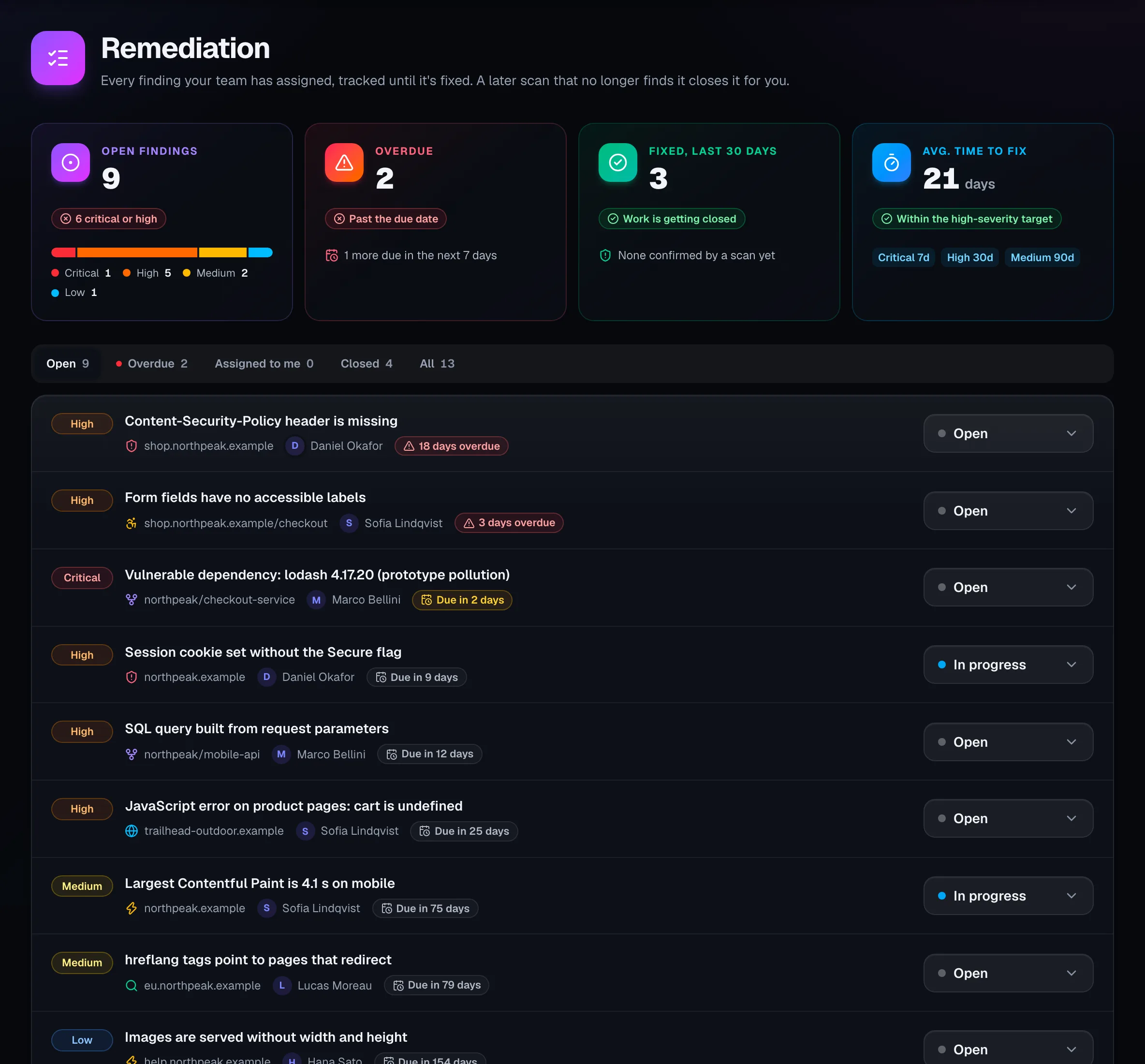
The remediation board: open, overdue and fixed findings, average time to fix, and each task with its severity, owner and due date.
Enterprise

One bar for every site and repository

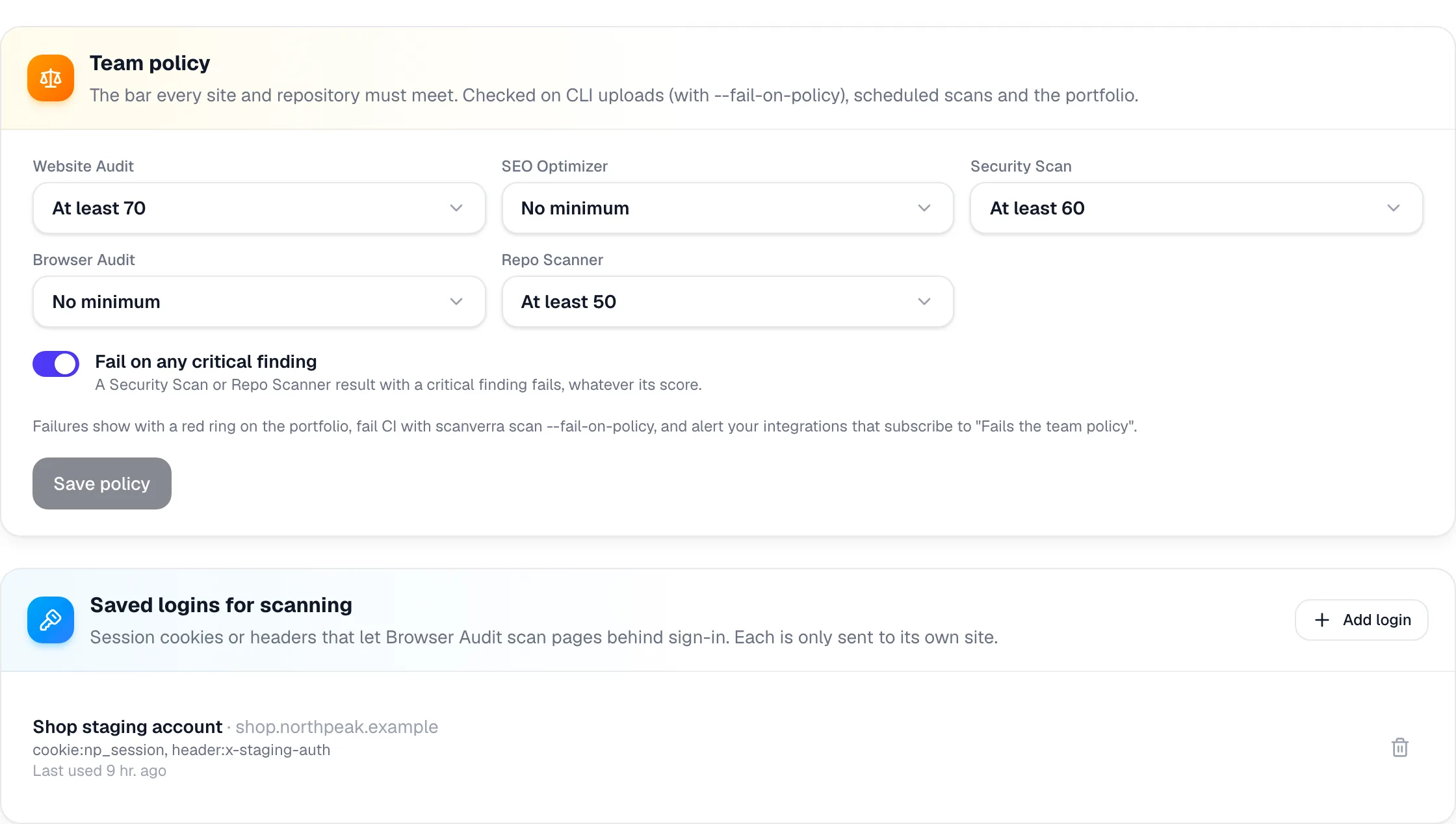
Set the lowest score each tool may have, and fail outright on any critical finding. The same policy is checked on CLI uploads in CI, on scheduled scans and in the portfolio.

  • A minimum score per tool
  • Fail the build with scanverra scan --fail-on-policy
  • An alert when a scheduled scan fails the policy
  • Saved logins, so Browser Audit can scan pages behind sign-in
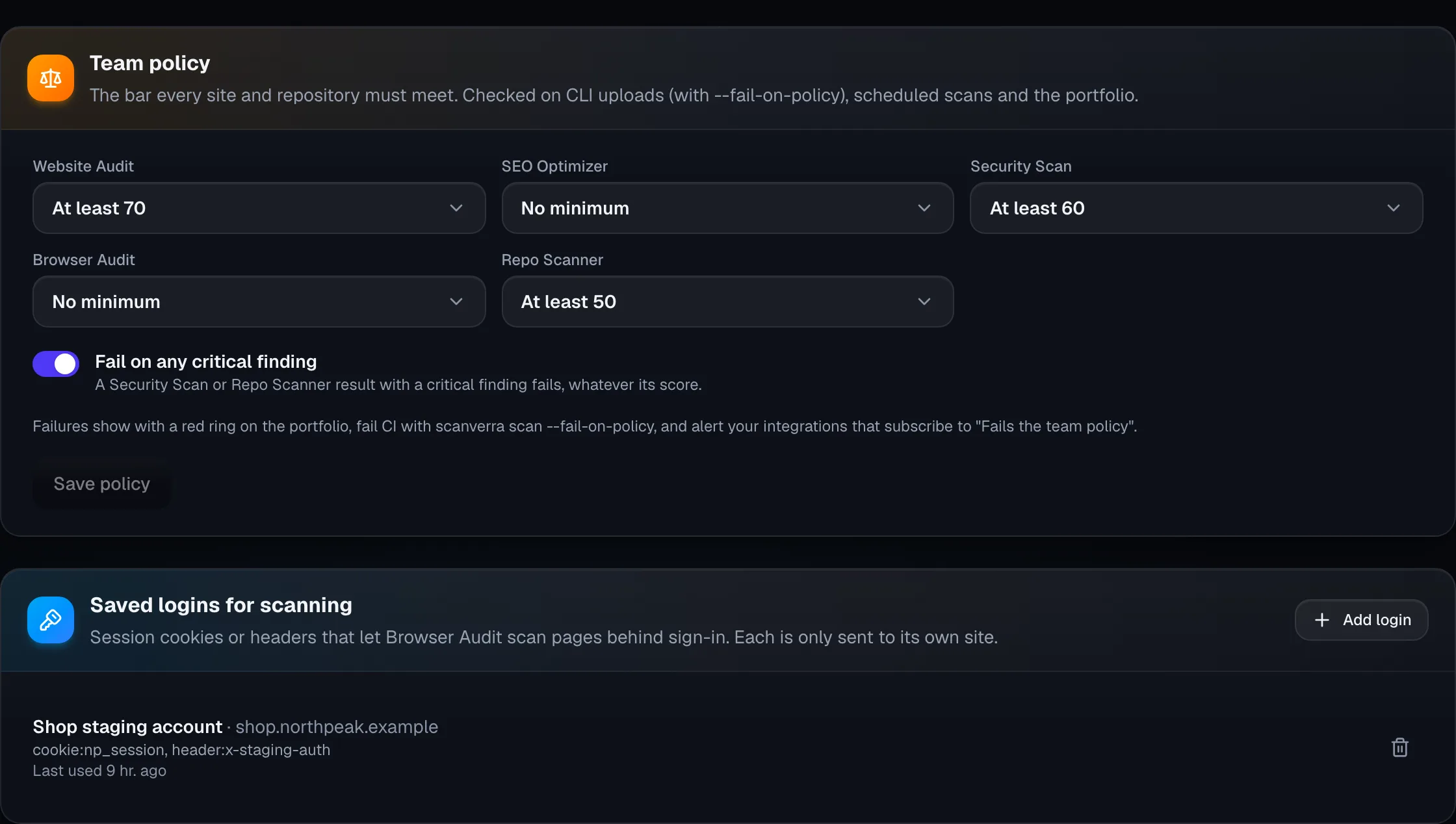
Team policy settings with a minimum score per tool and "Fail on any critical finding", above the saved logins used for scanning.

04 · Control access

The controls procurement asks for

Single sign-on, provisioning, roles, workspaces and a record of who did what.

Enterprise

Single sign-on and provisioning you set up yourself

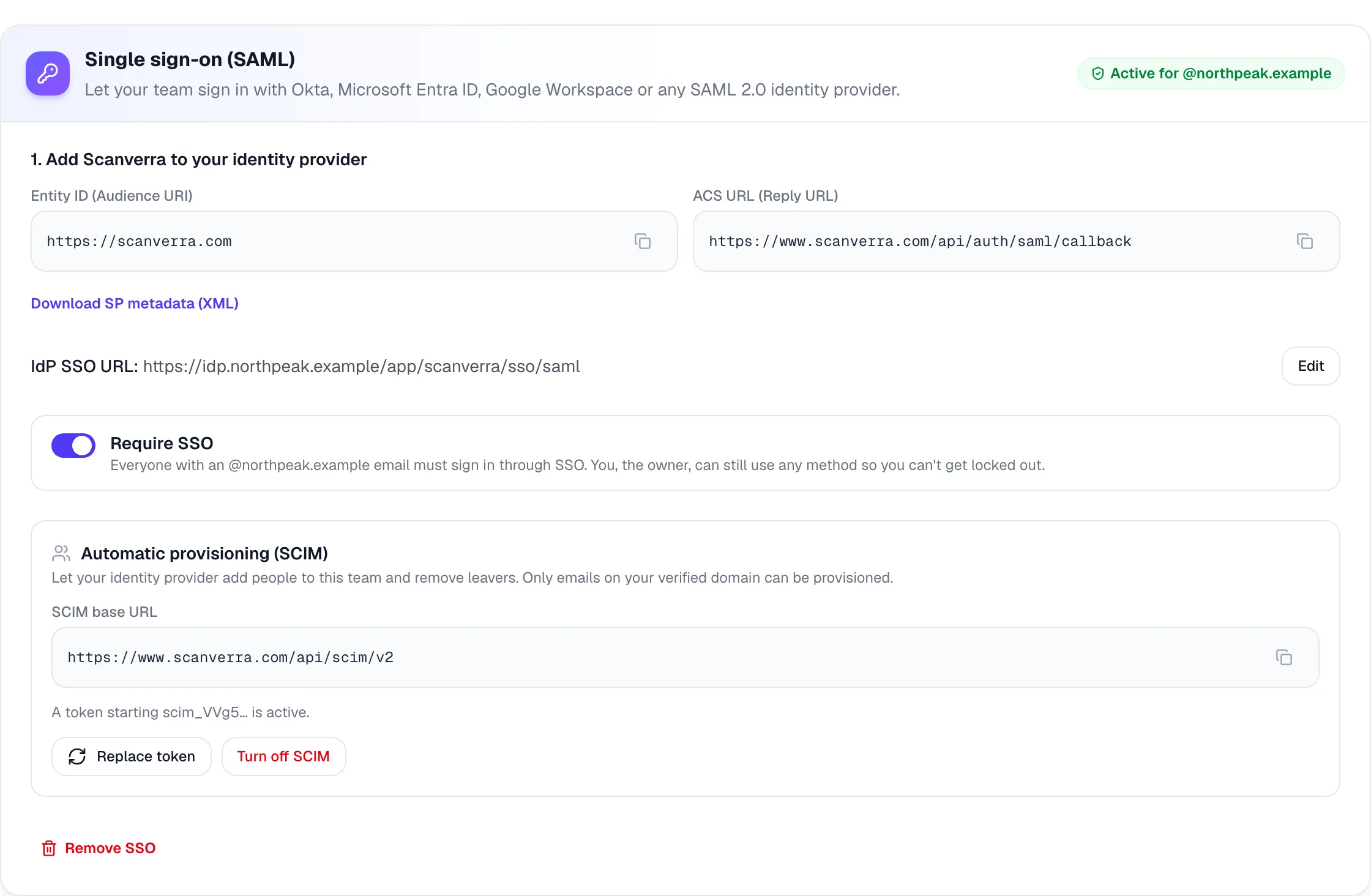
Connect Okta, Microsoft Entra ID, Google Workspace or any SAML 2.0 identity provider from the Team page. Prove you own the domain with a DNS record, then require SSO for everyone on it.

  • Require SSO, with an owner fallback so you're never locked out
  • SCIM 2.0 adds and removes members from your identity provider
  • Only emails on your verified domain can be provisioned
  • Each SAML response is accepted once, and only for its own domain
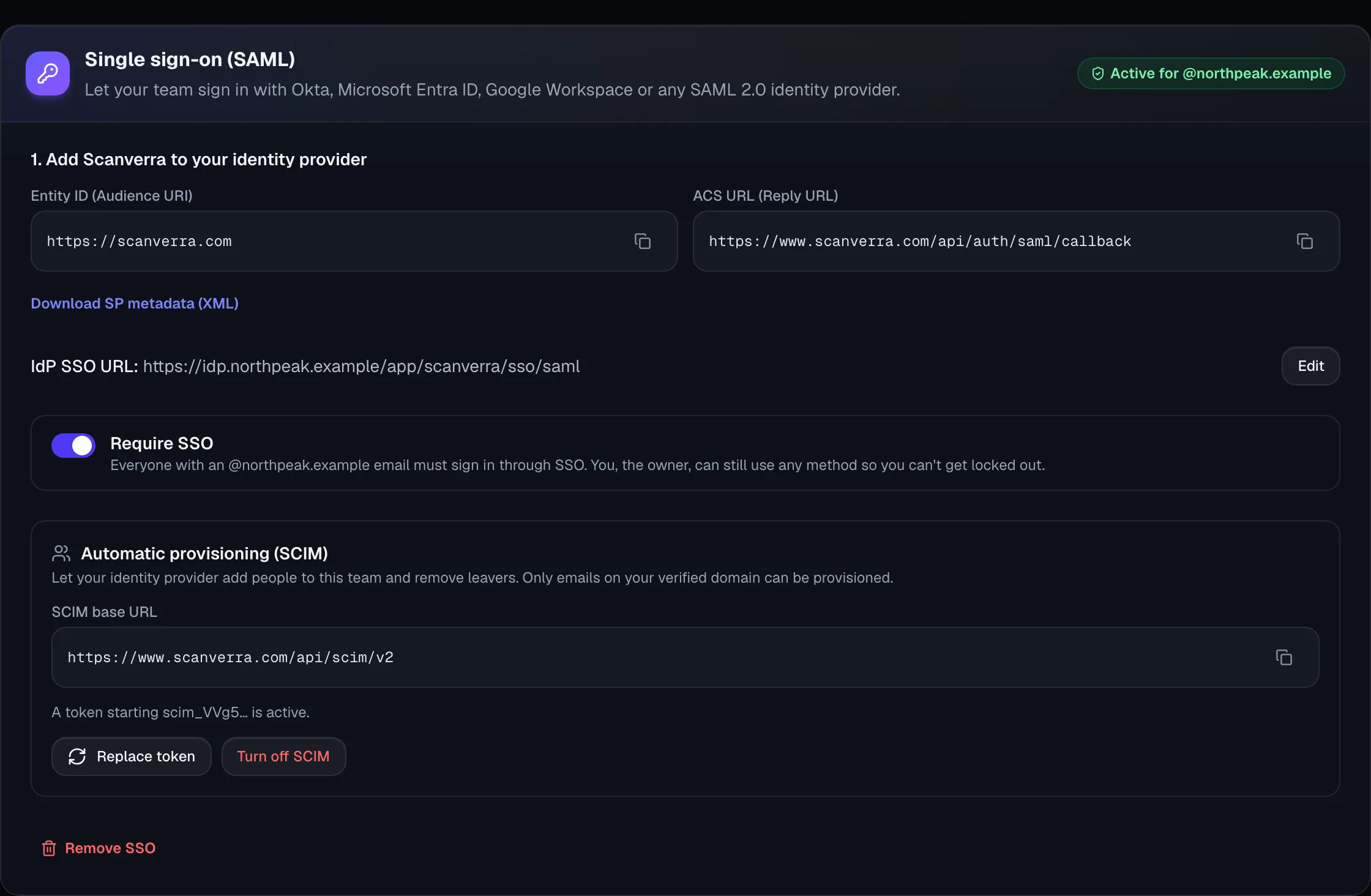
Single sign-on settings: SAML active for the company domain, Require SSO switched on, and SCIM provisioning with its base URL.
Enterprise

Workspaces and roles that match your org chart

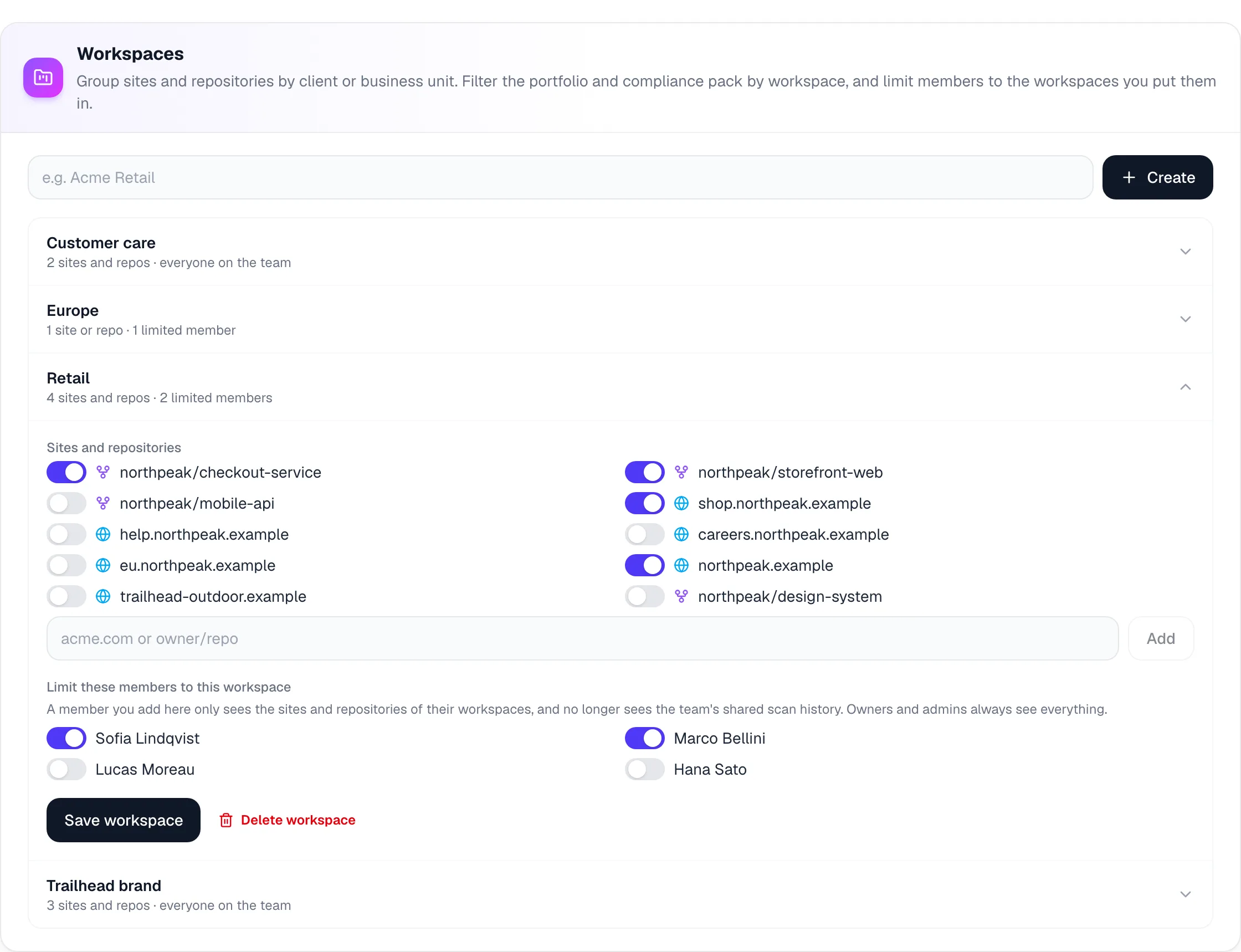
Group sites and repositories by business unit, brand or client, and give people Admin, Member or Viewer access. Someone limited to a workspace sees only its sites and repositories.

  • Workspaces filter the portfolio, compliance pack and data export
  • Viewers read every report but can't start paid scans or change settings
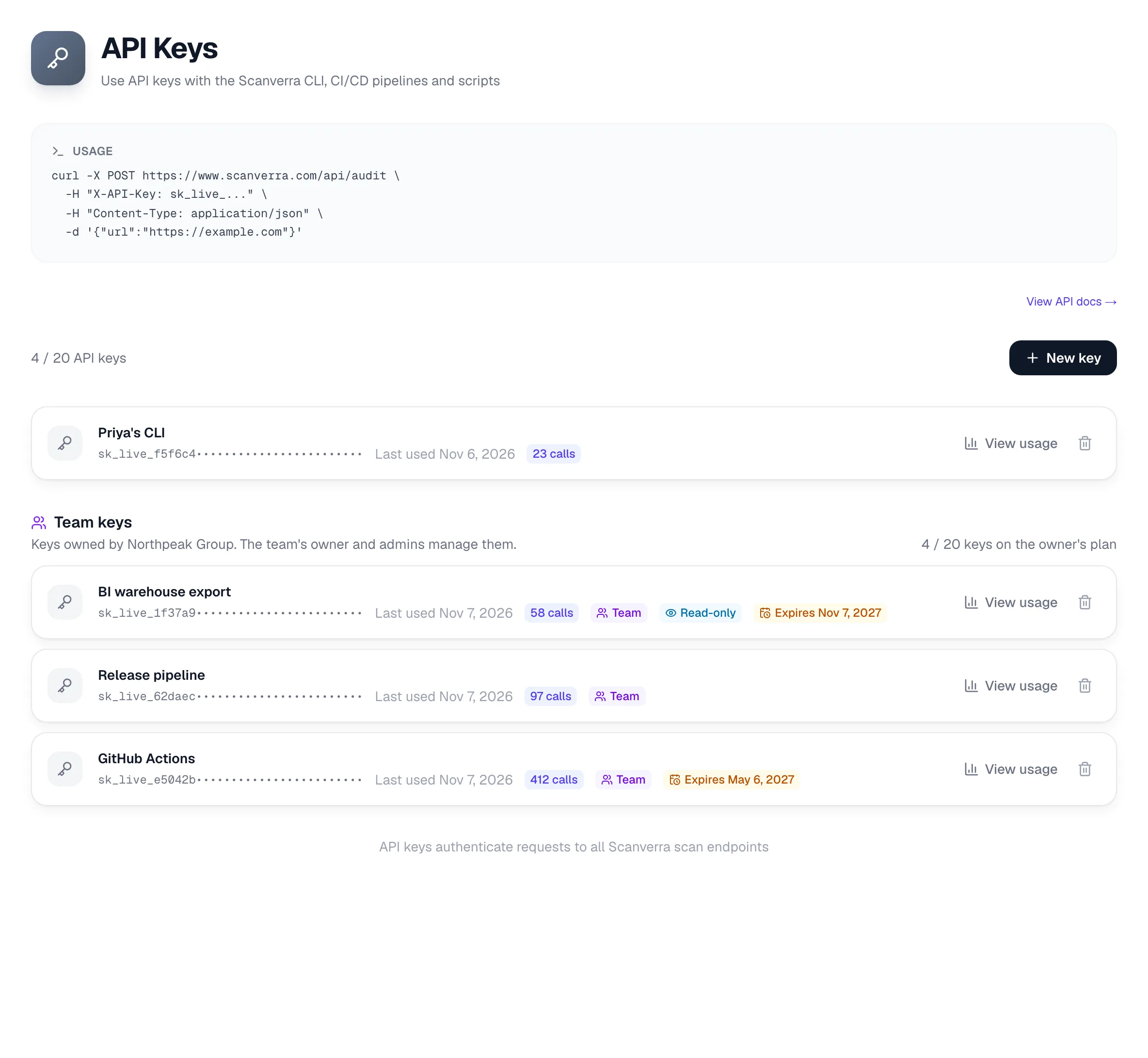
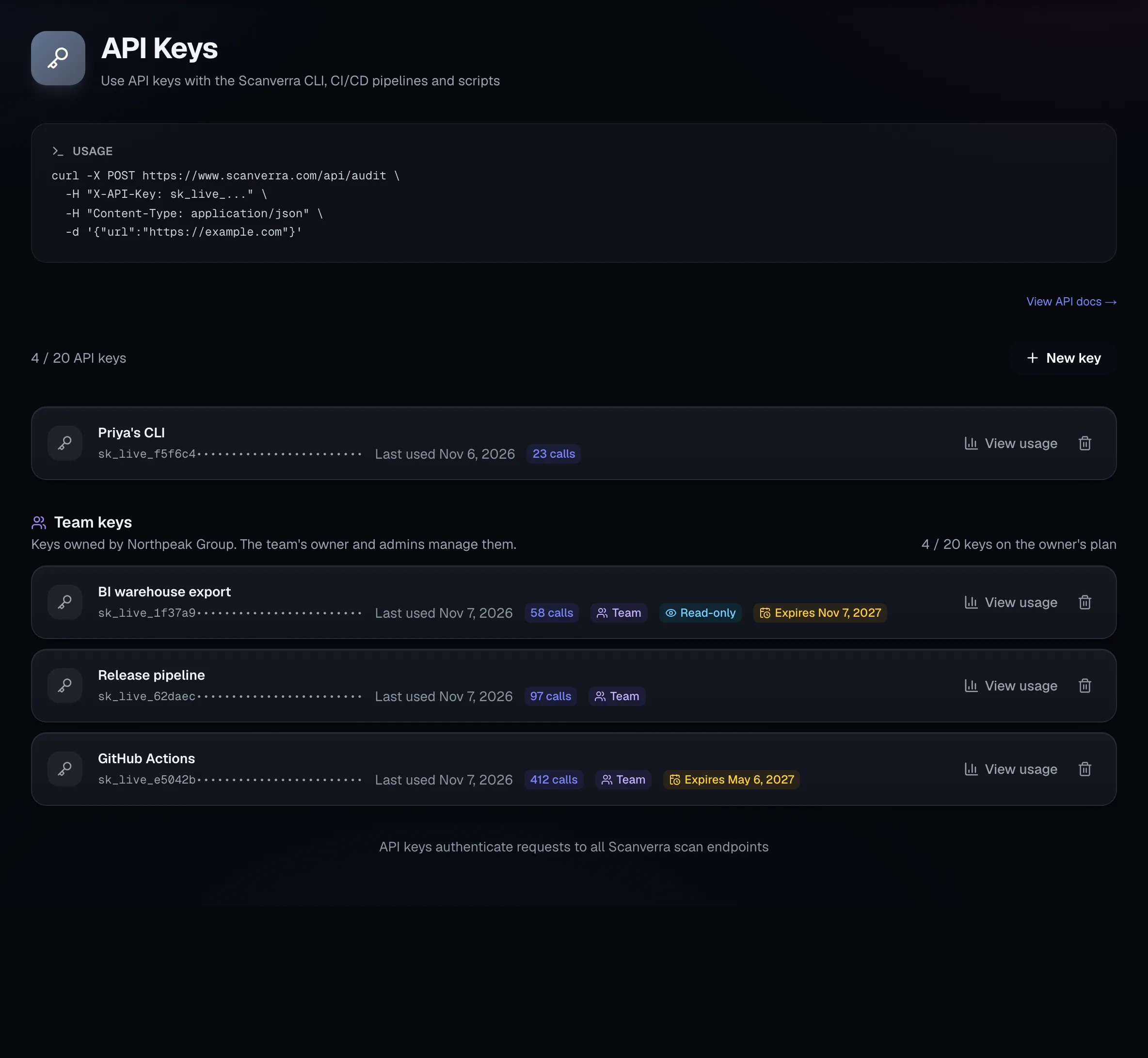
  • Team API keys that keep working when their creator leaves
  • Read-only keys and expiry dates for pipelines and BI tools
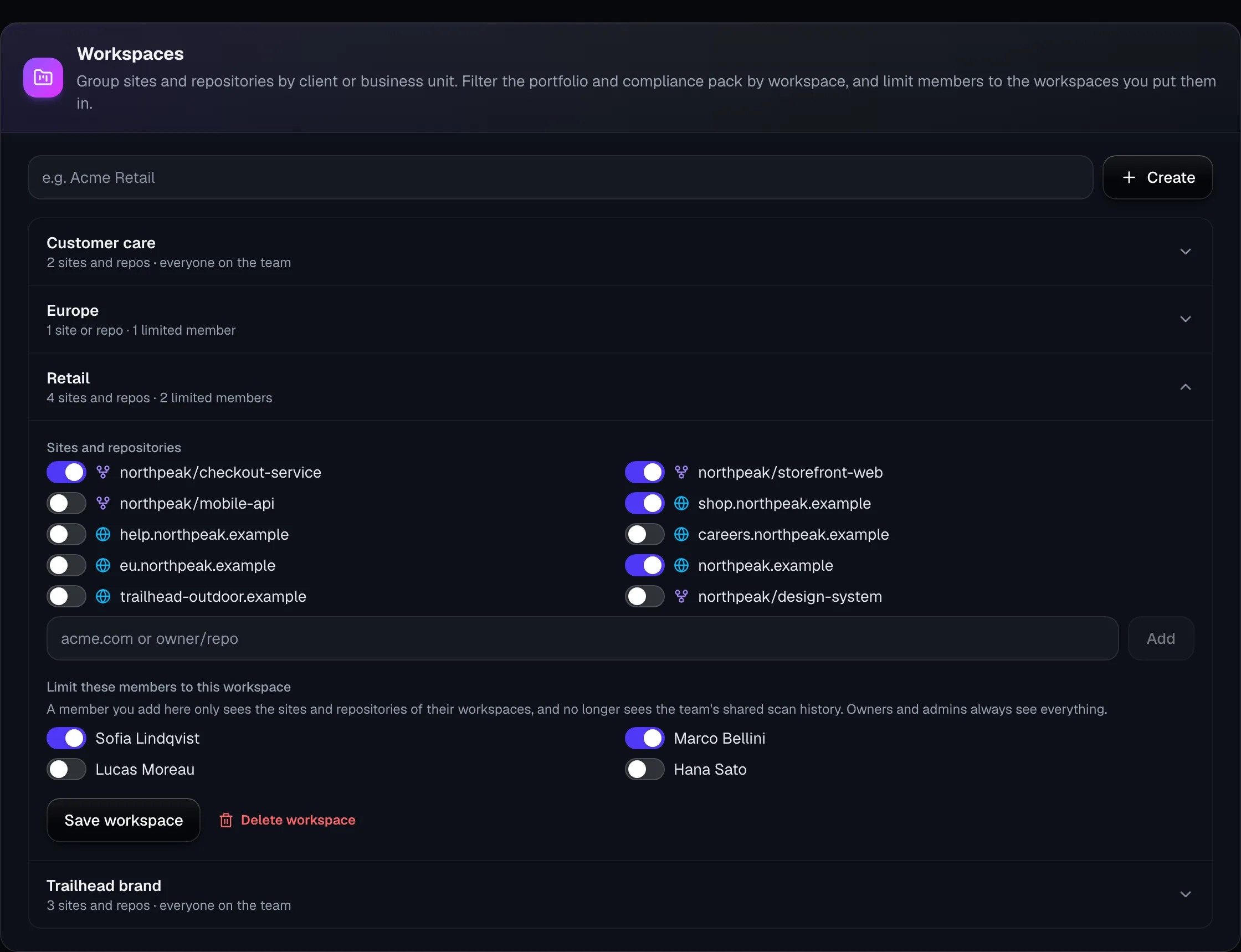
Workspaces: Customer care, Europe, Retail and a second brand, with the Retail workspace open to show its sites, repositories and limited members.
Enterprise

An audit log for everything that matters

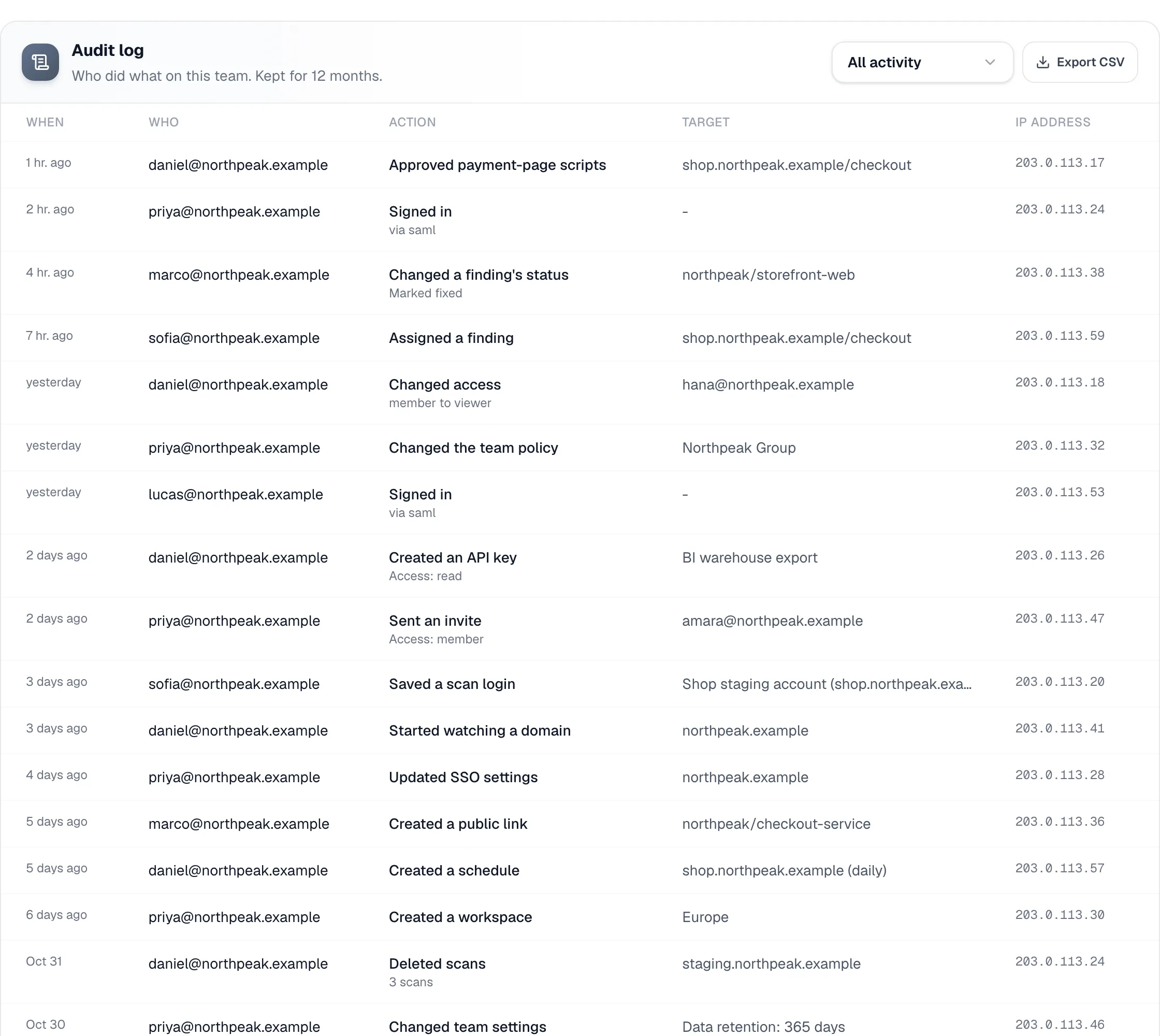
Sign-ins, invites, access changes, API keys, share links, deleted scans, finding updates, schedules and SSO changes, with who did it, when and from where. Kept for 12 months.

  • Filter by type of activity
  • Export to CSV for your records
  • Read it from your SIEM with an API key
  • IP address and browser on every event
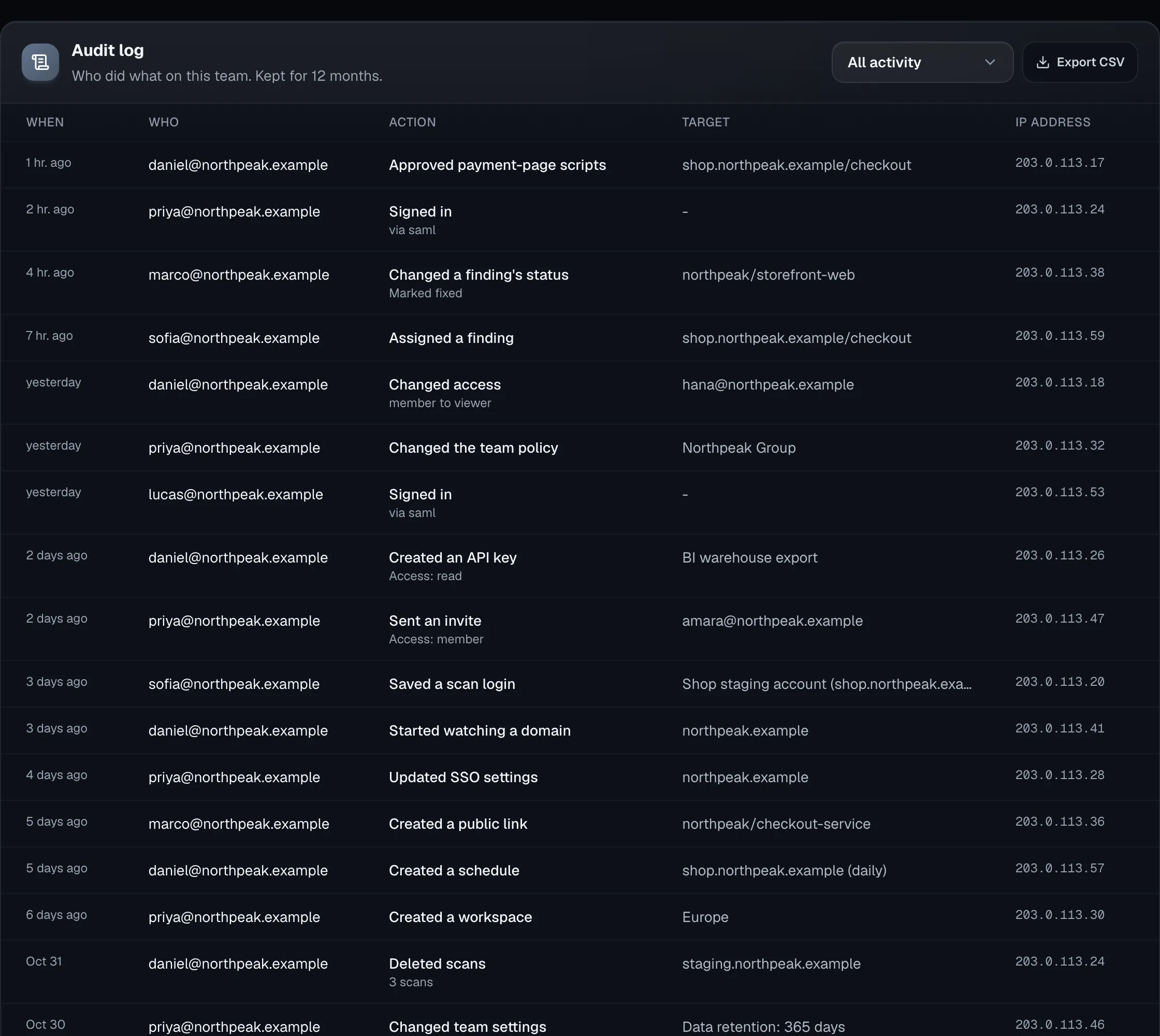
The audit log: a list of events with time, person, action, target and IP address.

05 · Watch what changes

Know when something new appears

Daily checks for forgotten subdomains, weekly checks of how AI assistants talk about your brands.

Enterprise

Find the subdomains you forgot about

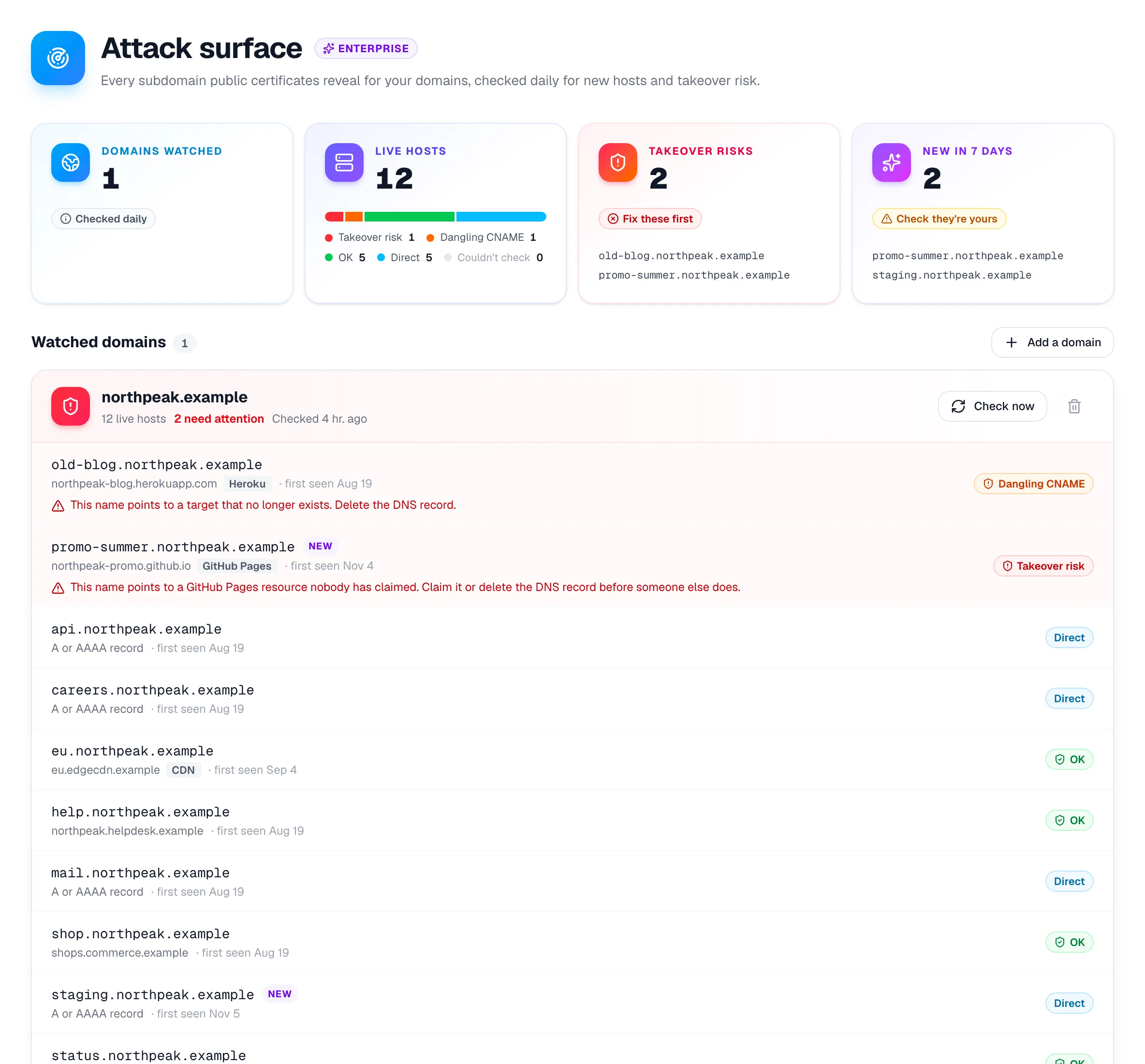
Scanverra reads public certificate logs for your domains every day, checks each subdomain for takeover risk and dangling DNS, and tells you when a new host appears.

  • Takeover checks for hosting services such as GitHub Pages and Heroku
  • Dangling CNAME records flagged, with what to do about them
  • Alerts for new hosts and new risks
  • Hosts that left DNS kept as history
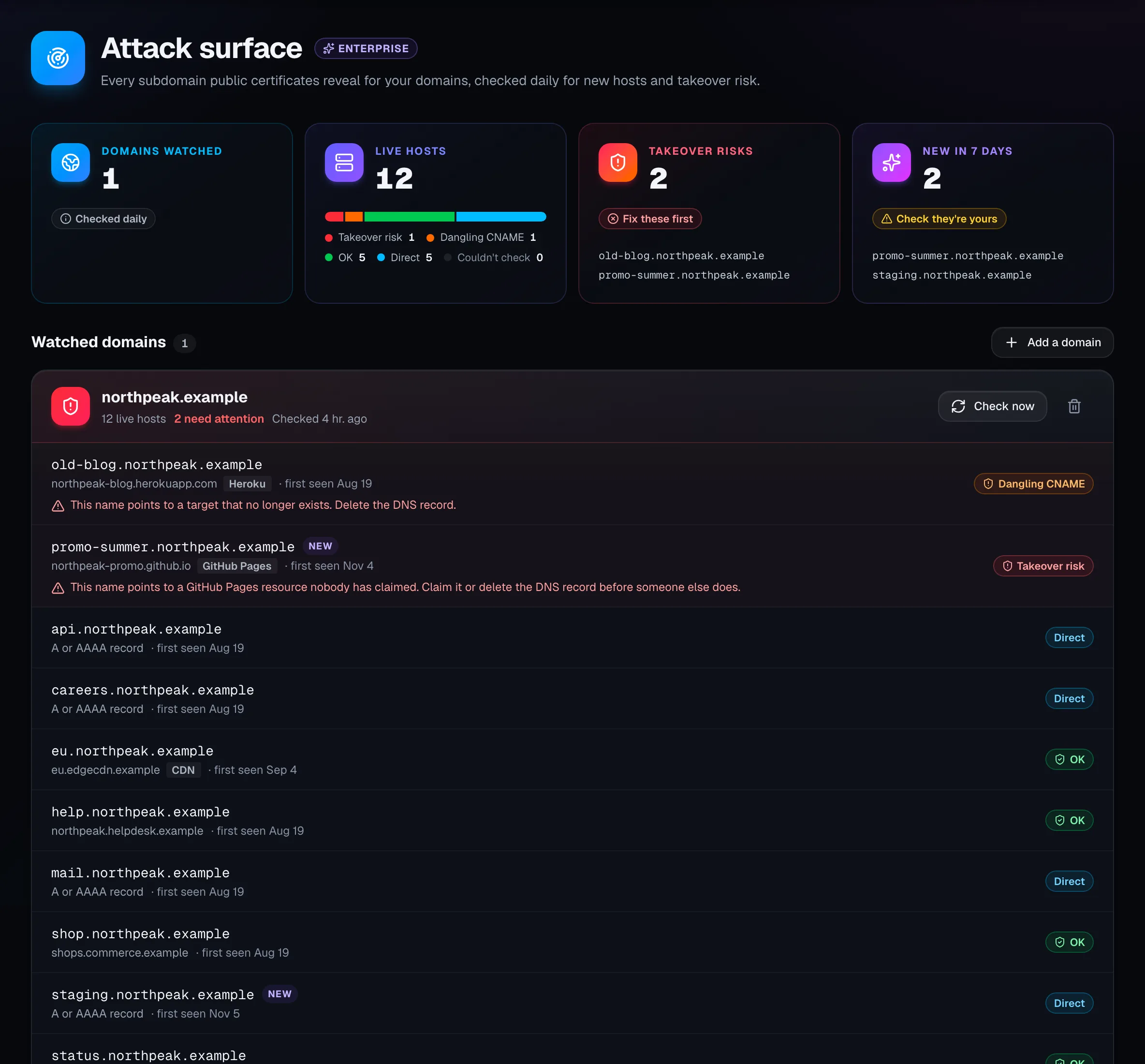
Attack surface: a watched domain with its live hosts, two flagged for takeover risk and two marked new this week.
Enterprise

Your share of voice in AI answers

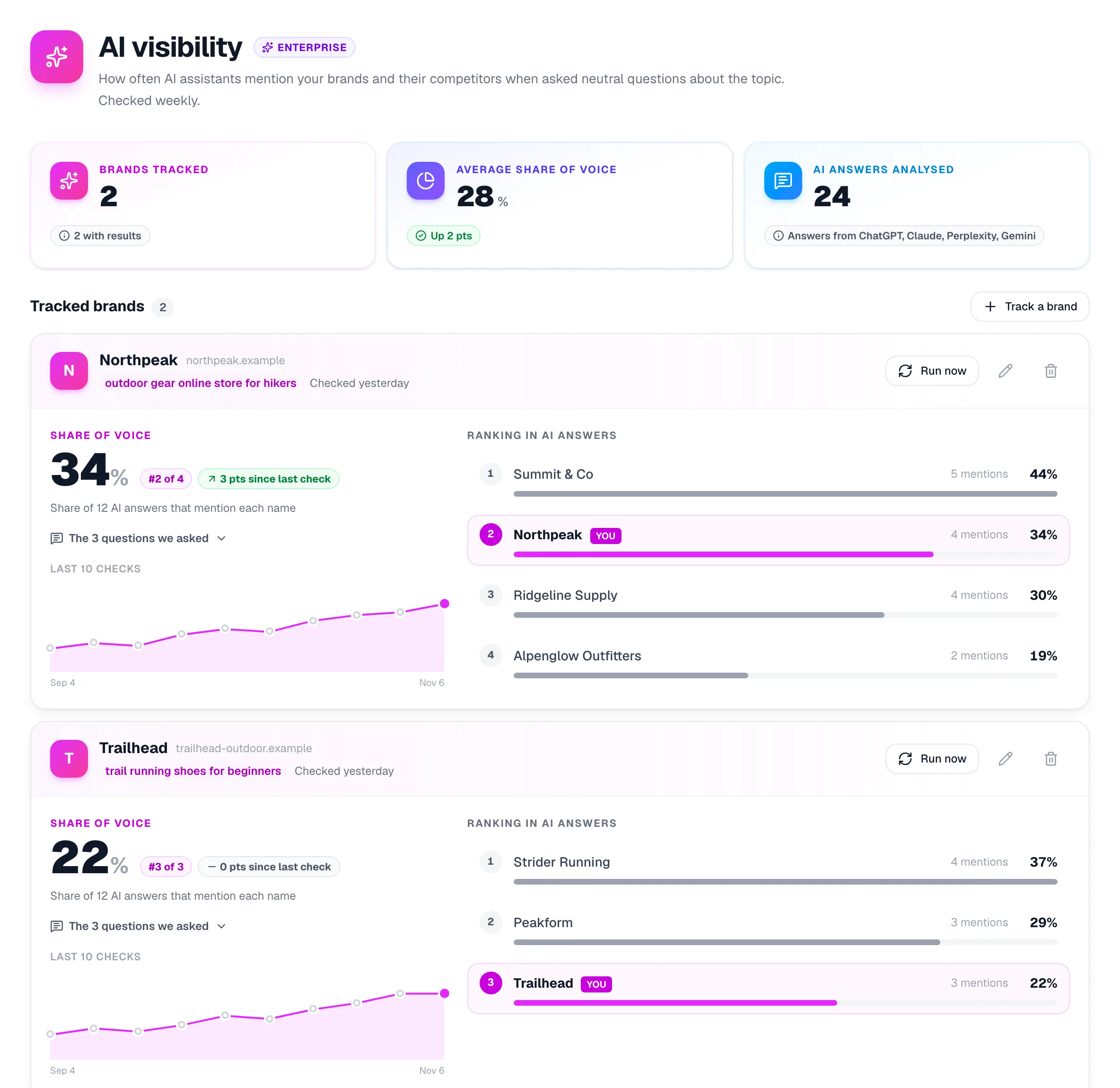
Track how often AI assistants name your brands and your competitors when buyers ask neutral questions about your market. Each brand is checked weekly, with its trend and its ranking.

  • Several brands, each with its own topic and up to 5 competitors
  • Neutral, buyer-style questions that never mention you
  • Ranked against competitors from the same answers
  • The questions asked, shown next to every result
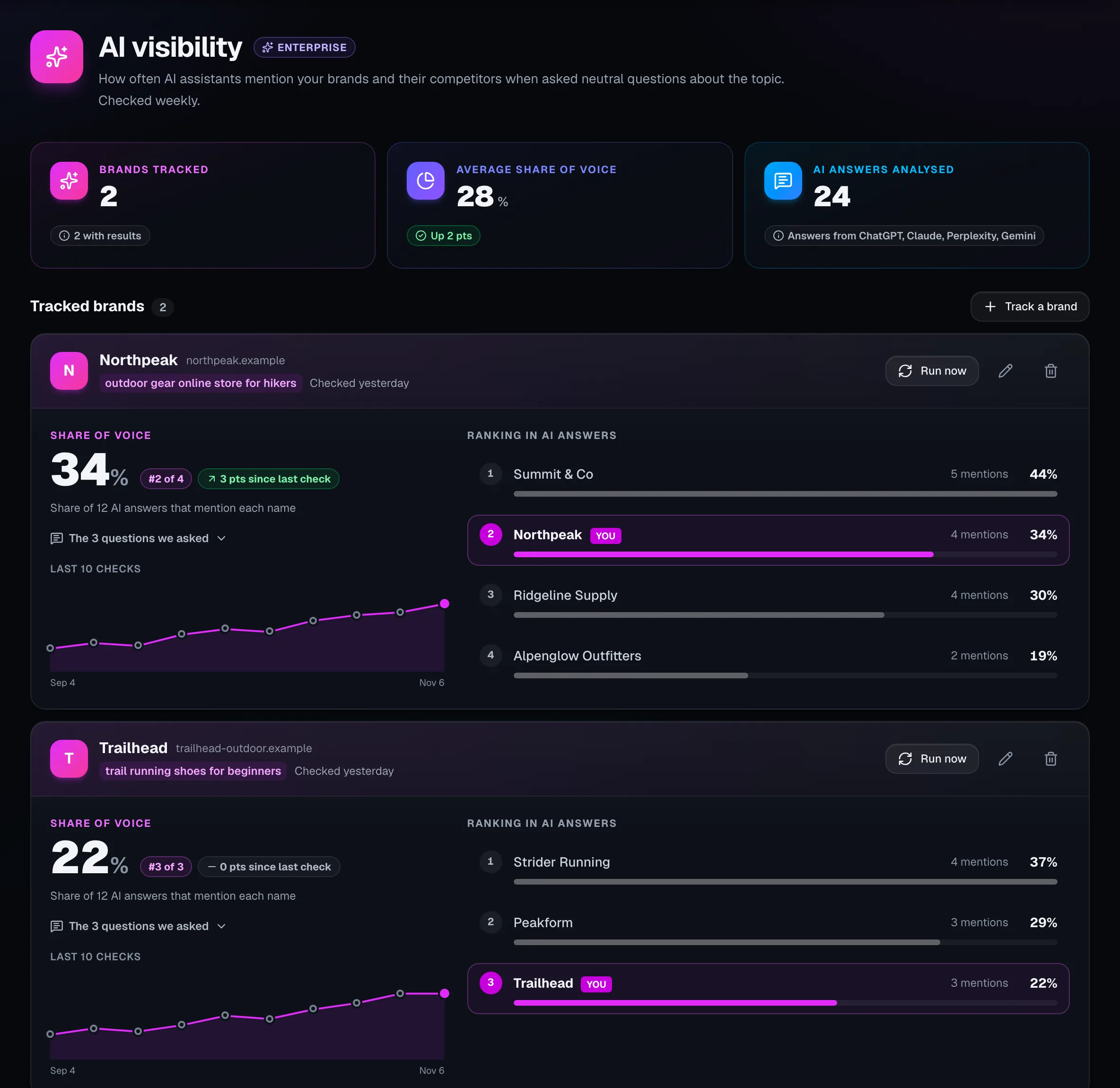
AI visibility: two tracked brands with their share of voice, a 10-week trend and their ranking against competitors.

And everything else a larger team needs

Slack, Microsoft Teams and webhooks

Score drops, policy failures, payment-page changes and new hosts, sent where your team already works. Webhooks are signed with HMAC-SHA256.

How to set up alerts
Slack, Microsoft Teams and webhooks

Data controls

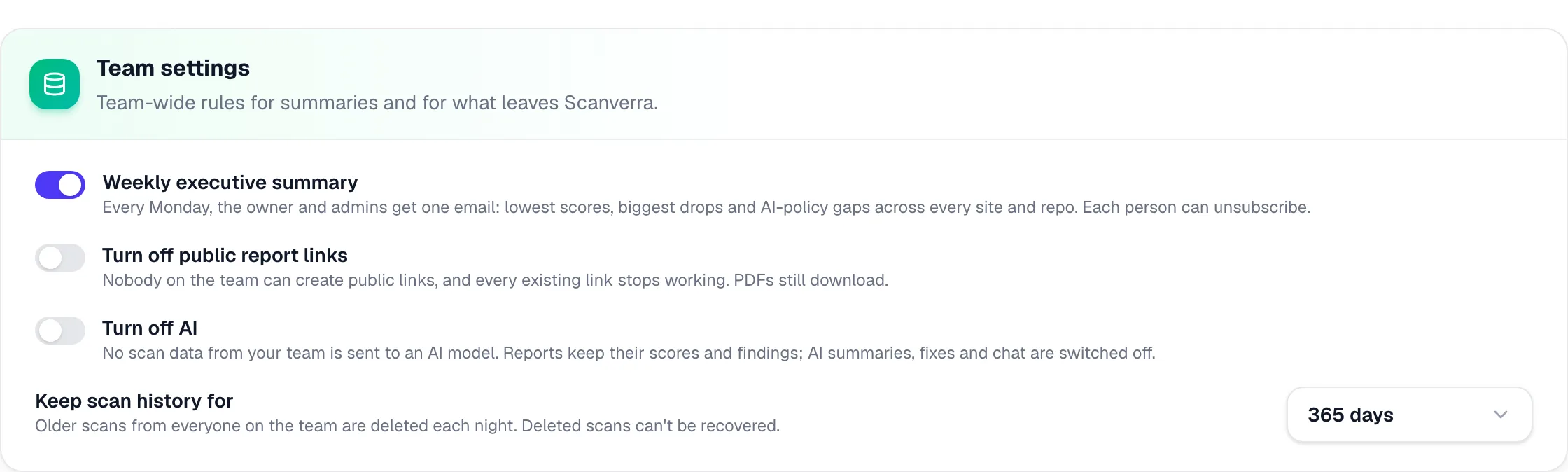
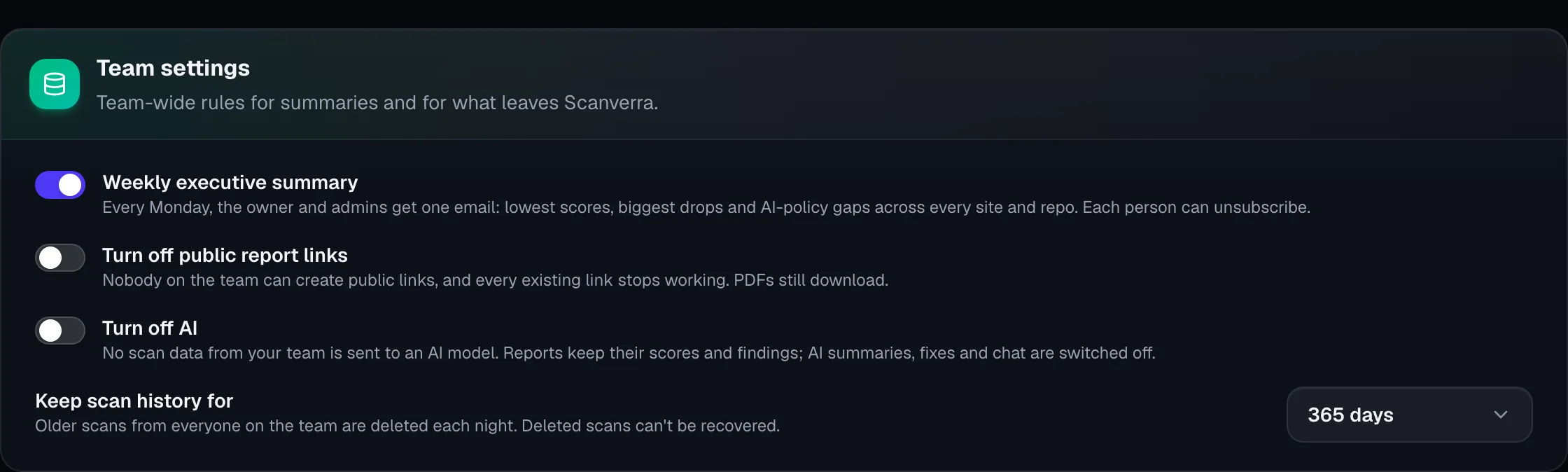
Turn off public report links, switch off AI for the whole team so no scan data reaches a model, and keep scan history for 30, 90, 180 or 365 days.

Data controls

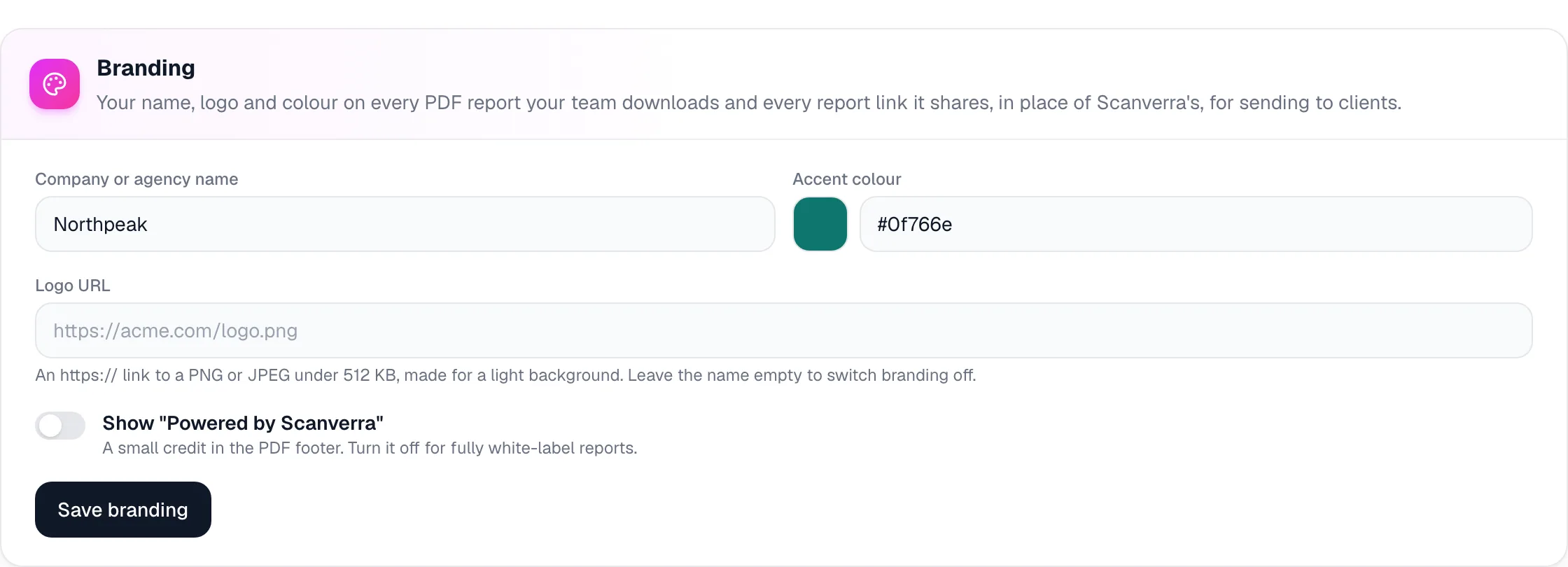
White-label reports

Your name, logo and colour on PDF reports and on shared links to website reports, with the Scanverra credit optional.

How agencies use Scanverra
White-label reports

Team API keys and data export

Keys owned by the team, with read-only scopes and expiry dates, and a CSV, NDJSON or JSON feed of every scan for your data warehouse.

Team API keys and data export

GitLab, self-managed too

Scan gitlab.com and self-managed GitLab repositories and open fix merge requests, alongside GitHub, Bitbucket and Azure DevOps.

Site-wide monitoring

Scheduled SEO crawls of up to 100 pages per site, scored and alerted like any scheduled scan.

10 seats, more on request

Admin, Member and Viewer access for everyone on the team, a named account manager and priority support.

Unlimited scheduled scans

Daily, weekly or monthly scans of every site and repository, with an alert when a score drops.

Questions

What buyers usually ask

Everything in Team, plus SSO and SCIM, the audit log, workspaces, the compliance pack, the team policy, data controls, white-label reports, attack surface and payment-page monitoring, multi-brand AI visibility, team API keys and the weekly executive summary.

Enterprise is a custom contract with volume pricing. Tell us how many sites, repositories and people you have, and we'll send you a quote.

Any SAML 2.0 identity provider, including Okta, Microsoft Entra ID and Google Workspace. SCIM 2.0 provisioning works with Okta and Microsoft Entra ID.

No. It maps automated findings to each framework's requirements, so you have evidence to work from. A certification also needs process and policy controls that no scanner can check.

Yes. With AI turned off for the team, no scan data is sent to an AI model. Scores and findings still work; AI summaries, fixes and chat are switched off.

Browser Audit and payment-page checks can use a saved login for pages behind sign-in. Sites that are only reachable inside your own network can't be scanned yet.

See Scanverra Enterprise on your own sites

Tell us about your sites, repositories and team, and we'll come back with a plan and a quote.

Compare all plans